

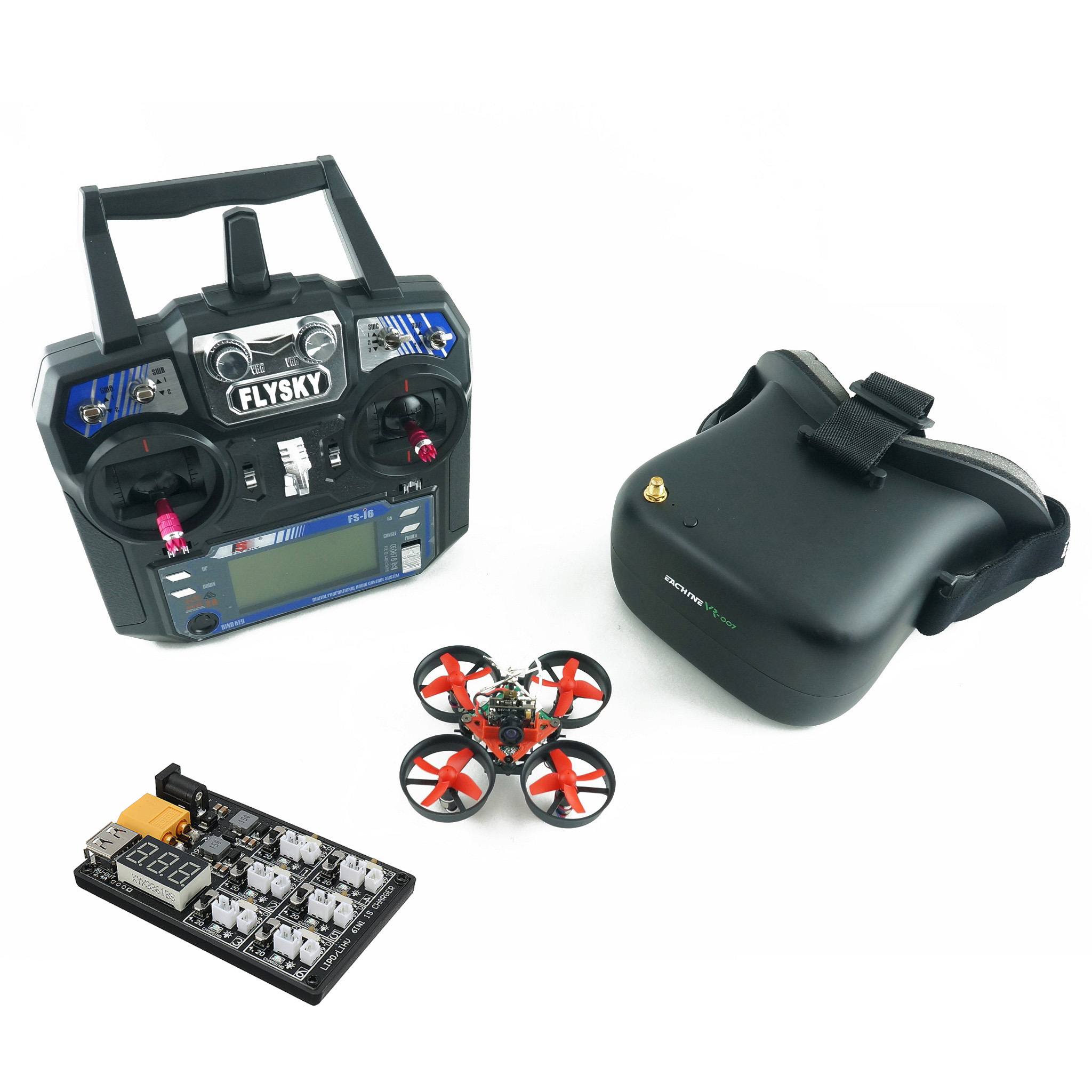

Yeah… I’ve seen this a thousand times.
You buy an RTF (Ready-To-Fly) FPV kit. Everything’s supposed to just work. You power it on… and something’s off. No video. No bind. Motors twitch. Goggles show static. Controller beeping like it’s angry at you.
You’re not dumb. These kits just pretend to be simpler than they actually are.
Let’s fix it properly.
The #1 Thing Most People Get Wrong: “RTF Means Plug-And-Play”
It doesn’t.
RTF just means:
- Drone + controller + goggles are included
- They’re supposed to work together
But in reality:
- Firmware versions drift
- Bindings reset during shipping
- Channels don’t match
- Batteries arrive half-dead
RTF = pre-selected parts, not pre-configured perfection.
Once you accept that, everything gets easier.
What’s Actually Inside Your Kit (Understand This First)
Before touching anything, know your system:
- Drone (quad) → camera + VTX (video transmitter)
- Goggles → receive video signal
- Controller (radio) → sends control signal
- Receiver (on drone) → listens to controller
- Battery (LiPo) → powers everything
Two completely separate systems:
- Control link (controller ↔ drone)
- Video link (camera ↔ goggles)
Most beginners mix these up. That’s where chaos starts.
No Video in Goggles? This Is Usually It


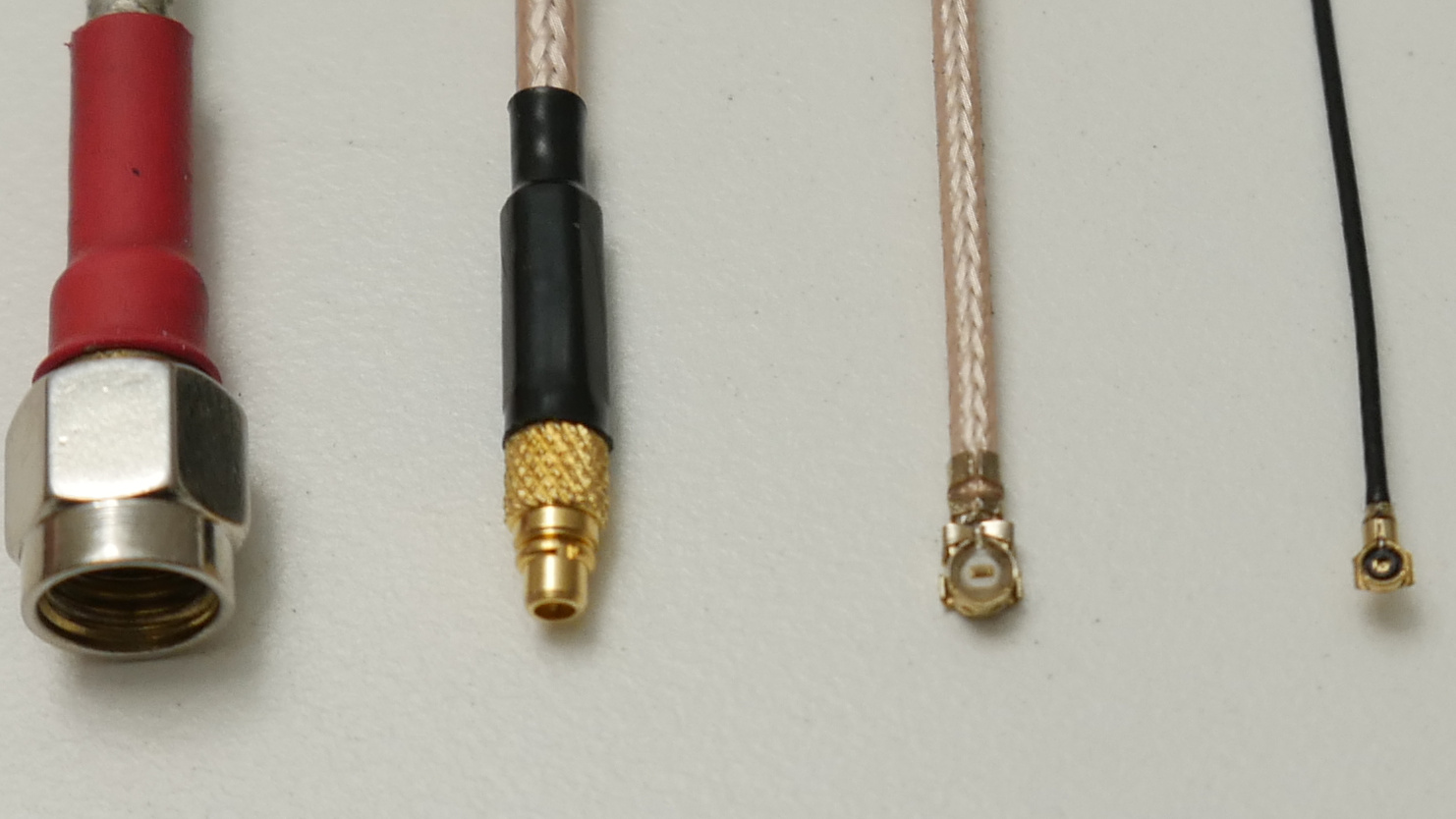
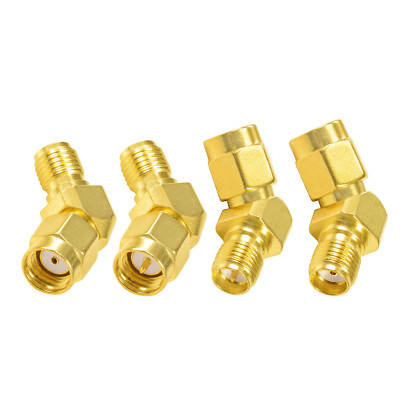
You power everything on. Goggles show static or black.
Here’s the real checklist I run in the field:
Check This First (Takes 10 Seconds)
- Are you on the same channel + band?
Analog FPV uses channels like:
- A1, B3, E5, R7…
Your drone might be on R8, goggles on B3 → you’ll see nothing.
👉 Fix:
- Hit auto-scan on goggles
- Or manually cycle channels slowly
This is the #1 fix. Seriously.
If That Didn’t Fix It
Now we go deeper:
- Antenna missing or loose
- Never power VTX without antenna
- You’ll burn it in seconds
- VTX not powered
- Some drones only activate video after arming
- Or require button press on flight controller
- Wrong input mode on goggles
- AV vs RF mode mistake
- Happens more than you think
- Dead camera
- You’ll still get signal, but just black screen
The Weird One Nobody Mentions
I’ve seen this more than once:
- VTX stuck in pit mode (low power, almost no range)
Fix:
- Long press button on drone (varies by model)
- Or configure via Betaflight (if supported)
Controller Won’t Bind? Don’t Panic
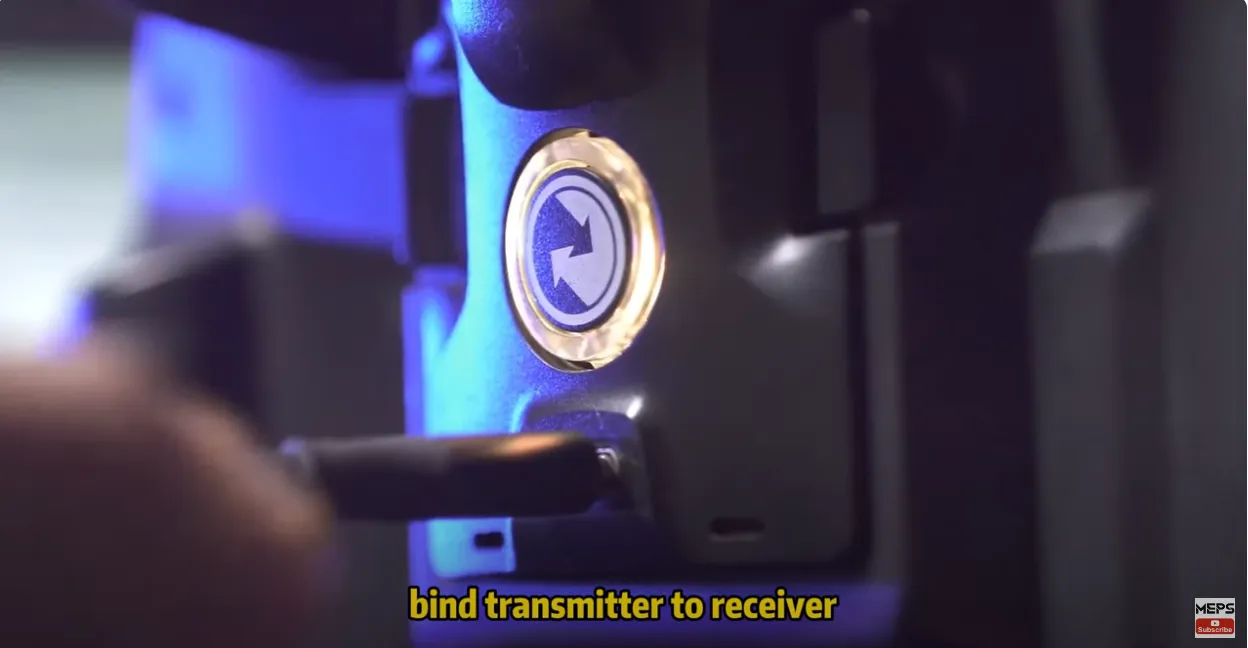
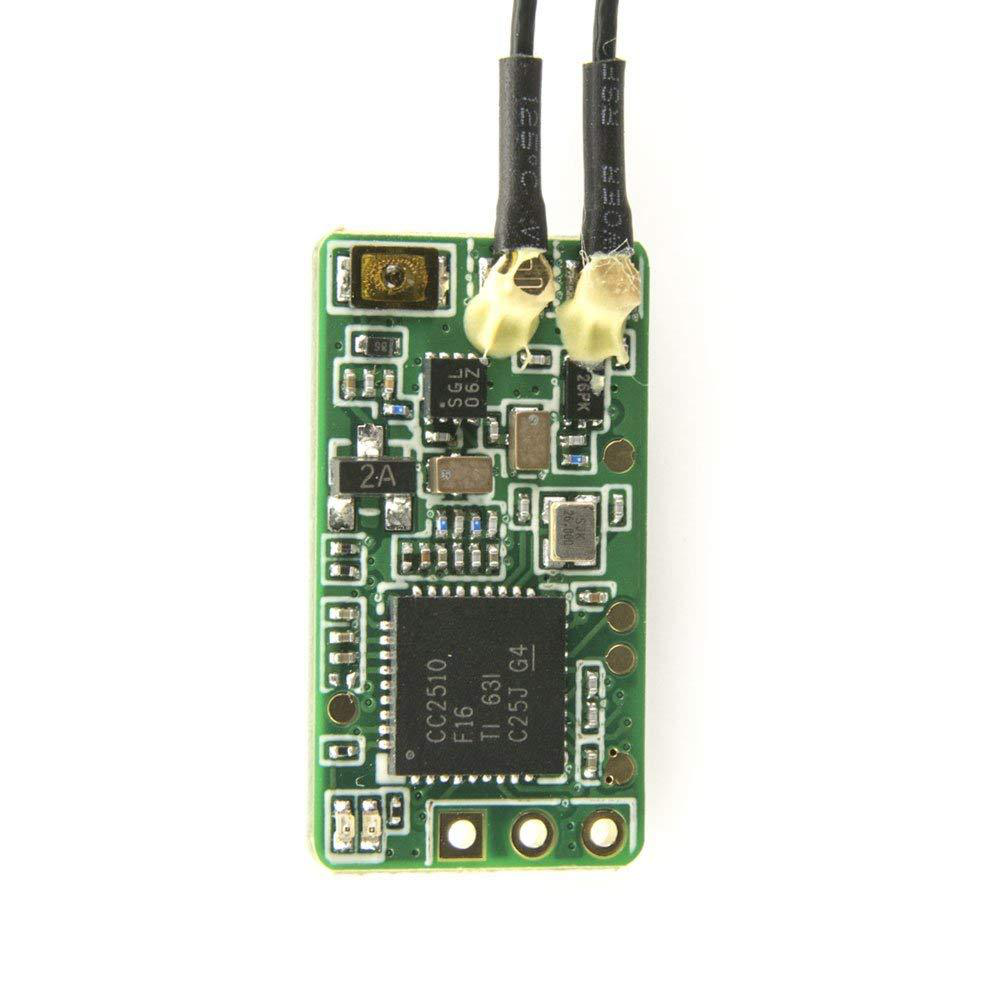

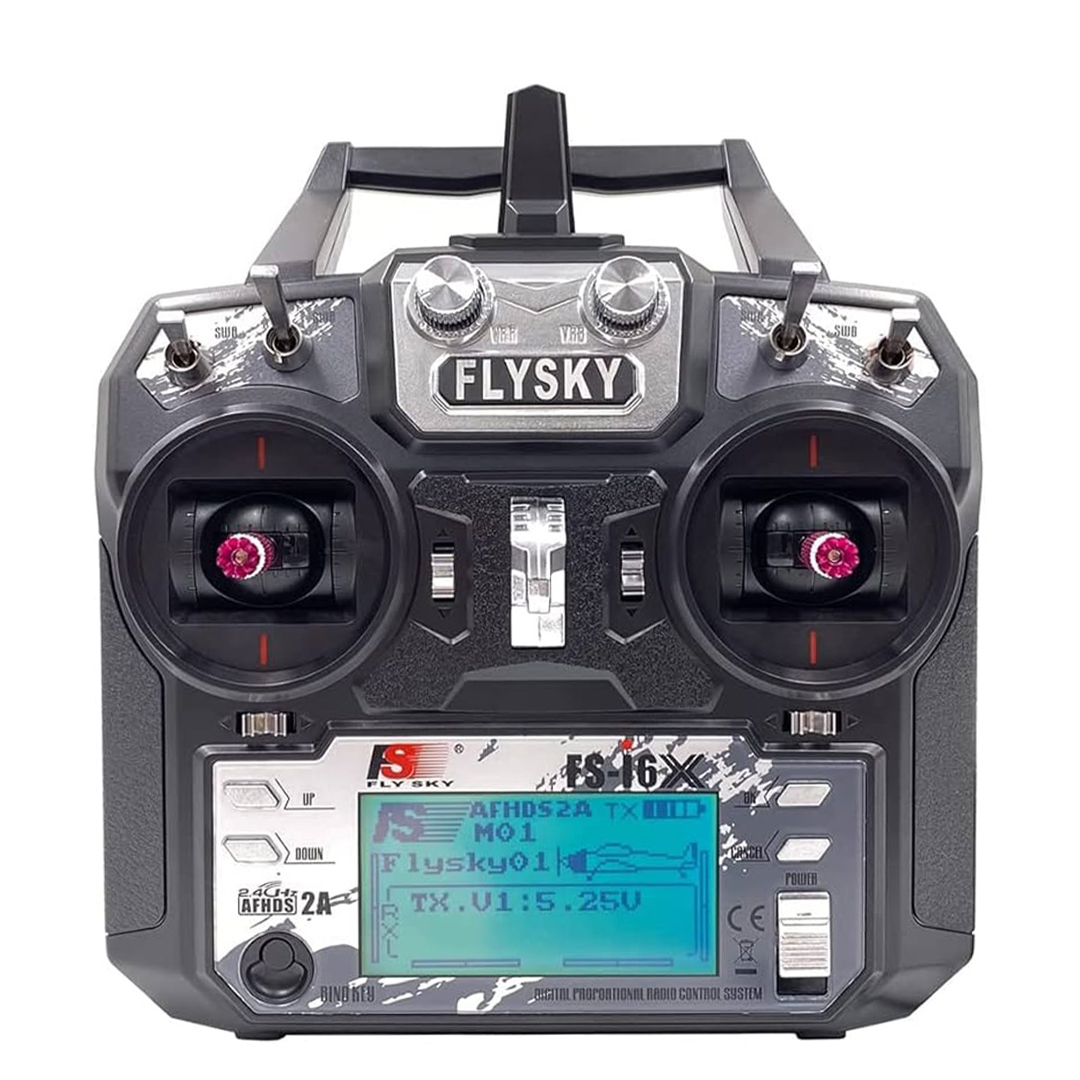
This is where people give up. No need.
What Binding Actually Means
Controller and receiver need to speak the same “language”:
- Protocol (FrSky, FlySky, ELRS, etc.)
- Frequency
- Firmware version
If even one is off → no connection.
Fast Fix (Works Most of the Time)
- Turn on controller
- Put controller into bind mode
- Power drone while holding bind button
Watch LED:
- Solid → bound
- Blinking → not bound
When It Still Refuses
Now we’re in real-world territory:
- Wrong protocol selected
- Example: controller set to D16, receiver is D8
- Firmware mismatch
- Classic with FrSky
- Requires flashing (yeah… annoying)
- Receiver wire loose
- Seen this in brand-new kits
The Brutal Truth
Some cheap RTF kits ship with:
- Outdated firmware
- Half-configured receivers
You didn’t break it. It came like that.
Drone Arms But Won’t Take Off
This one frustrates people hard.
You arm it. Props spin. Drone just sits there.
Usually One of These:
- Throttle not calibrated
- Motor direction wrong
- Props installed incorrectly
Let me simplify:
Props Rule (Burn This Into Your Brain)
- Two spin clockwise
- Two spin counter-clockwise
If even one is wrong → no lift.
Quick Visual Check
Look at prop blades:
- Edge should “cut” into air as it spins forward
- If it looks like it’s scooping backward → wrong
Battery Issues (The Silent Killer)
RTF kits almost always cheap out here.
What You’ll See
- Goggles flicker
- Drone resets mid-flight
- Controller beeps randomly
Why
- Low voltage
- Bad cells
- Cheap charger
What Actually Fixes It
- Fully charge battery (not “looks charged”)
- Use proper LiPo charger if possible
- Stop flying when voltage drops — don’t push it
Think of LiPo like fuel + engine health combined.
Range Is Terrible? Drops After 20–30 Meters?
This is where beginners think the drone is “bad”.
Usually not.
Common Causes
- Wrong antenna type
- Antenna orientation
- Flying behind walls/trees
- Low VTX power mode
Quick Fix That Changes Everything
- Keep antennas upright and matching polarization
- Don’t fly behind yourself (your body blocks signal)
- Increase VTX power if available
The One Thing I Wish Everyone Knew
You don’t “own” an FPV kit.
You manage a system.
- Video system
- Control system
- Power system
When something breaks, ask:
👉 “Which system failed?”
Not:
👉 “Why is everything broken?”
That mindset shift saves hours.
When You’re Completely Stuck (The Reset Move)
If nothing makes sense anymore:
- Rebind controller
- Reset goggles channel (auto scan)
- Fully charge everything
- Power cycle in this order:
- Controller
- Goggles
- Drone
Clean slate. Works more often than it should.
Quick Reality Check Before You Blame Yourself
- These kits are not truly beginner-proof
- Manufacturers assume some FPV knowledge
- Small misconfigurations = total failure
So yeah, frustration is normal.
If You Want It To “Just Work” Next Time
Look for kits with:
- ELRS instead of older protocols
- Good brand goggles (not generic box goggles)
- Clear documentation
Cheap kits cost more in time than money.