Yeah… this one trips people up more than it should.
You see “FPV drone with LCD goggles” and assume it’s plug-and-play. Then nothing connects, video looks like garbage, or range dies at 50 meters. Happens all the time.
Let’s straighten it out properly.
What “LCD Goggles” Actually Means (Most People Get This Wrong)


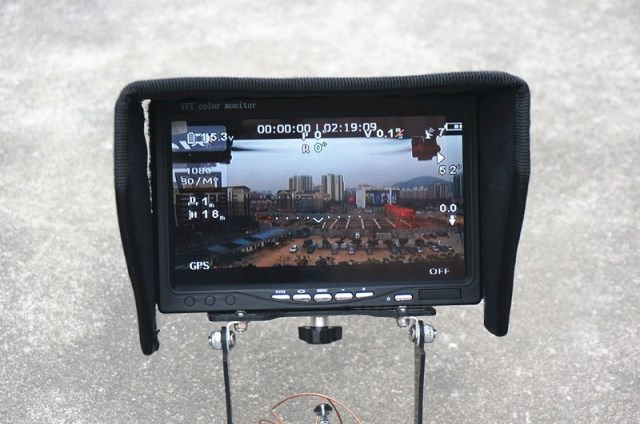

When people say LCD goggles, they usually mean box goggles.
Not the slim, expensive ones. The chunky ones with a single screen inside.
Examples you’ve probably seen:
- Eachine EV800D FPV Goggles
- Skyzone Cobra X FPV Goggles
Inside those? Just a single LCD screen + magnifier lens.
Simple. Cheap. Works.
But here’s the part people miss:
👉 They don’t magically connect to every drone.
They only show what your drone transmits.
The #1 Reason Your Drone Won’t Work With LCD Goggles
This is the big one.
Video system mismatch.
Your drone and goggles MUST speak the same “video language.”
There are two worlds:
| System | What it means | Works with LCD goggles? |
|---|---|---|
| Analog FPV | Old-school signal (static, but reliable) | ✅ Yes |
| Digital FPV | HD signal (clean image) | ❌ Usually no |
Here’s the reality:
- LCD box goggles are almost always analog receivers
- Most beginner kits are analog
- Most modern DJI-style drones are digital
So if you’re trying to pair something like:
- DJI Avata FPV Drone
with cheap LCD goggles…
👉 It will NEVER work. Not even with settings.
Wrong system.
The Simple Setup That Actually Works (No Guessing)
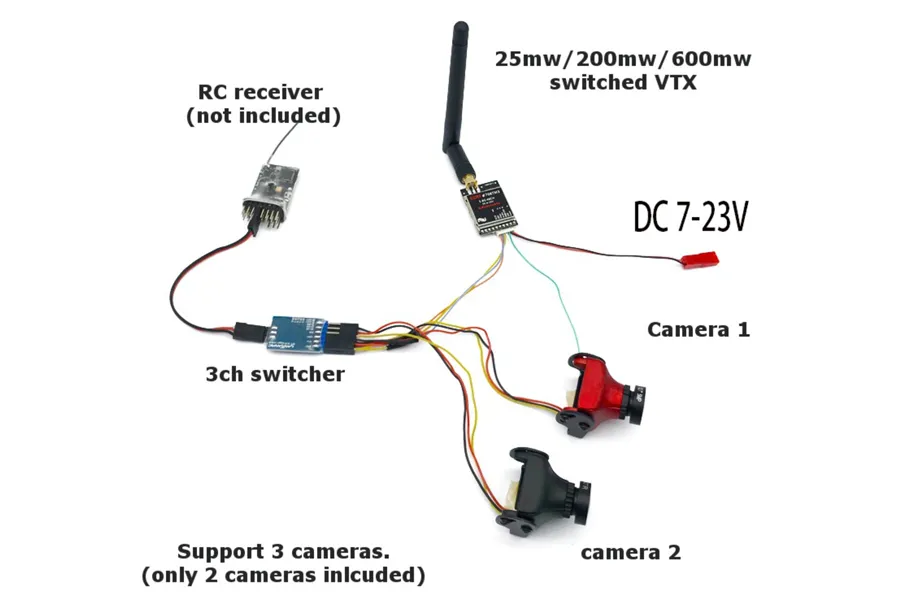
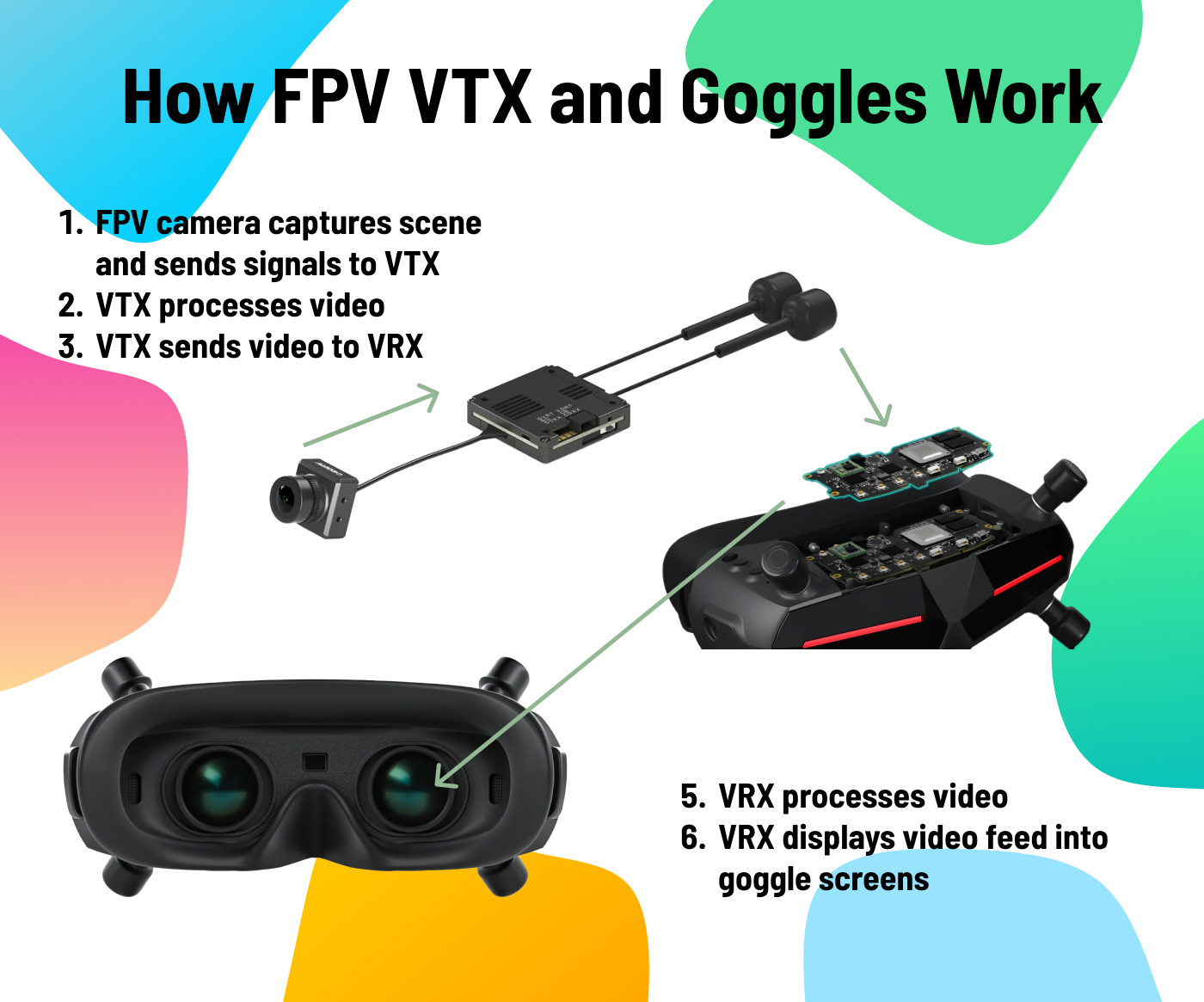
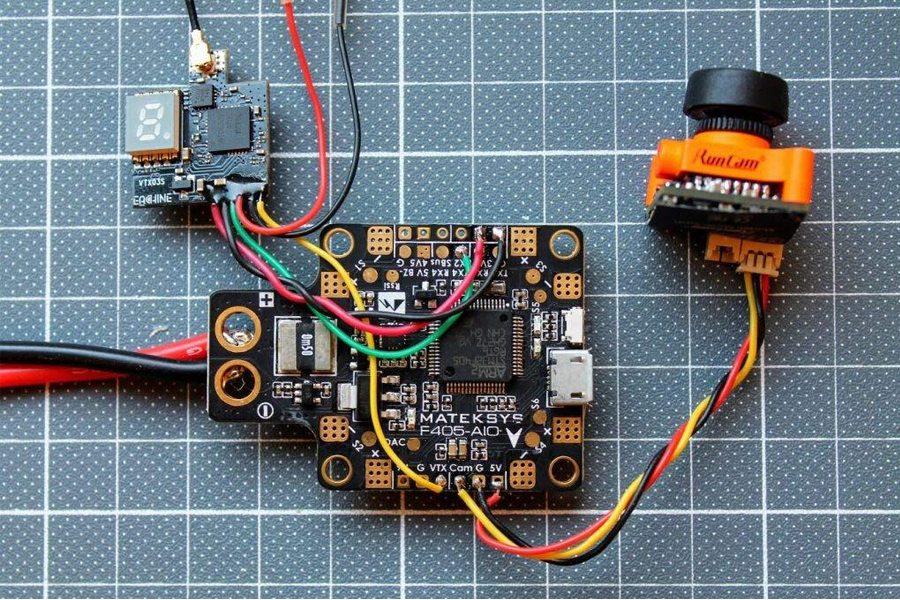

You need three pieces talking to each other:
- FPV camera (on drone)
- VTX (video transmitter)
- Goggles receiver (your LCD goggles)
That’s it.
Signal flow looks like this:
Camera → VTX → Air → Goggles
If any one of these is mismatched, you get:
- Black screen
- Static only
- No signal at all
Quick Reality Check (Do This Before You Buy Anything)
Grab your drone specs and check:
- Does it say “5.8GHz analog FPV” → You’re good
- Does it say “DJI O3 / digital / HD system” → Not compatible
That one line saves people hours.
Best RC FPV Drones That Actually Work With LCD Goggles
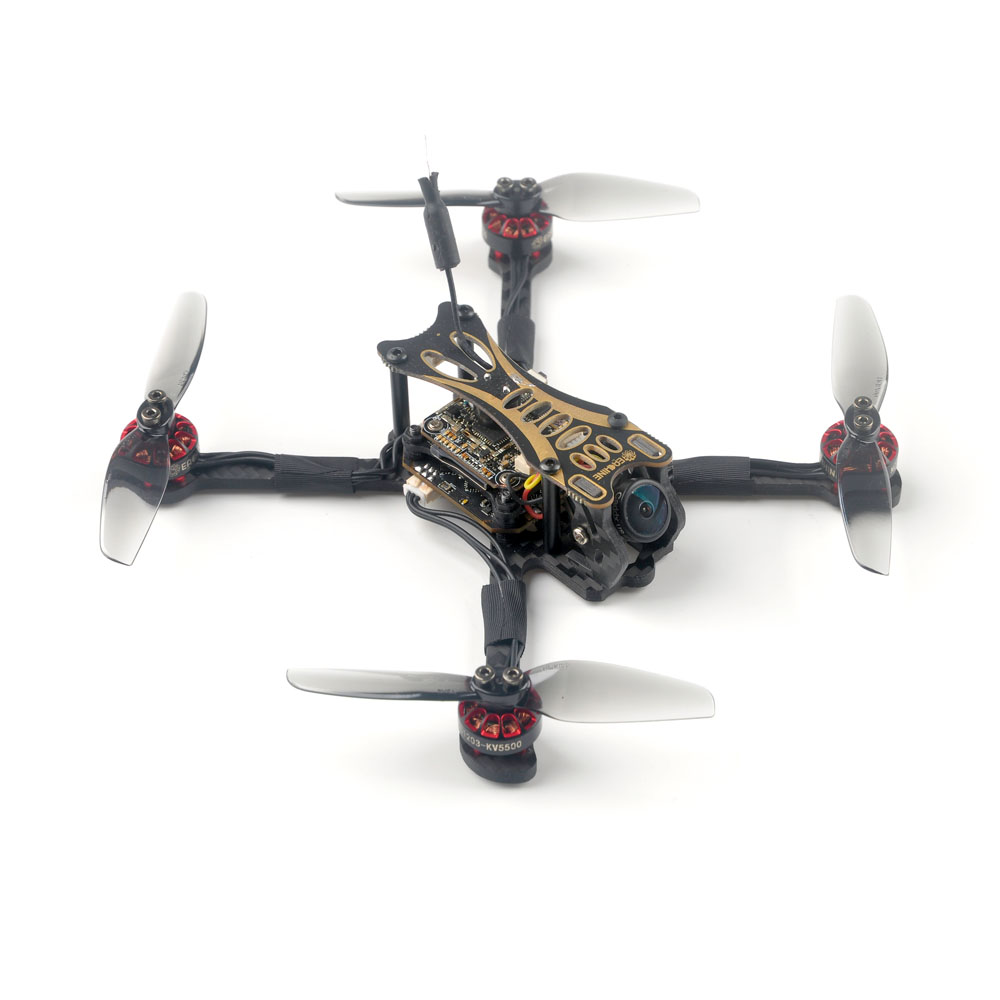

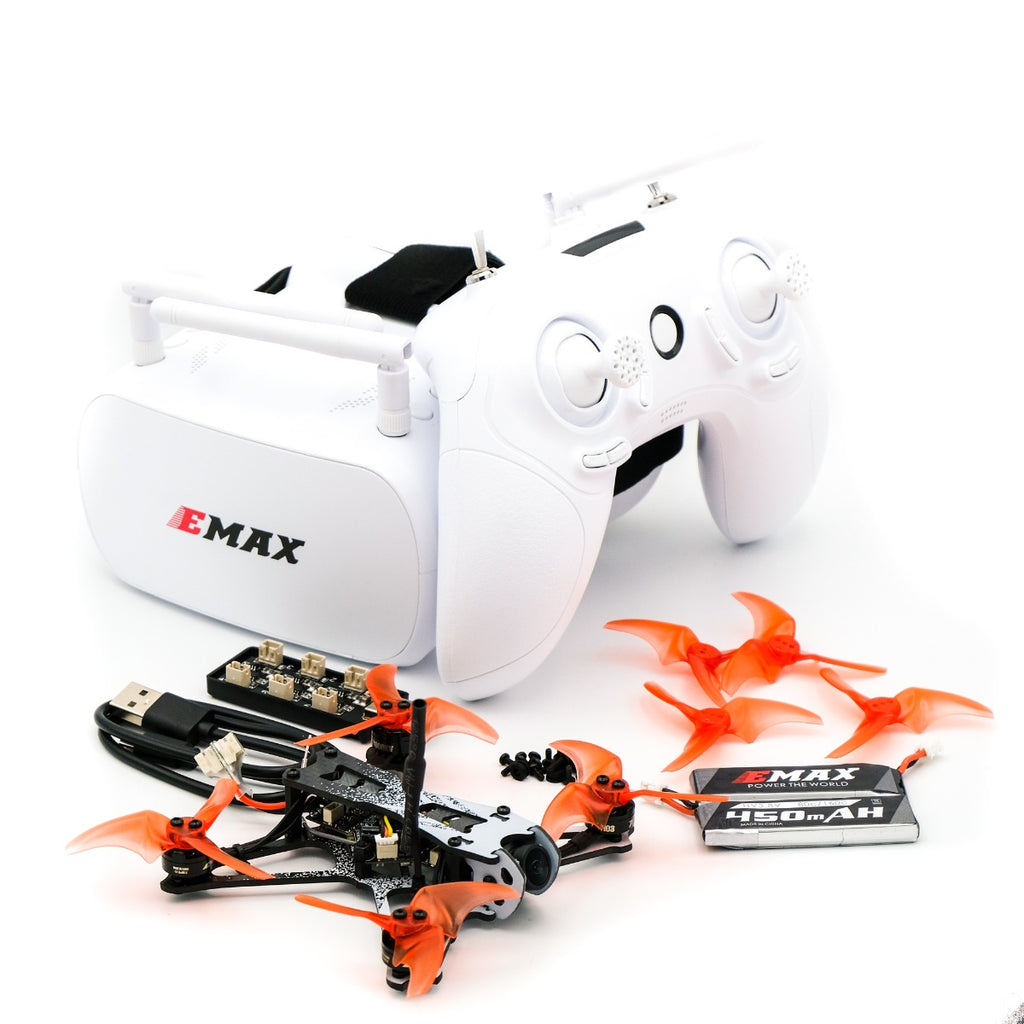
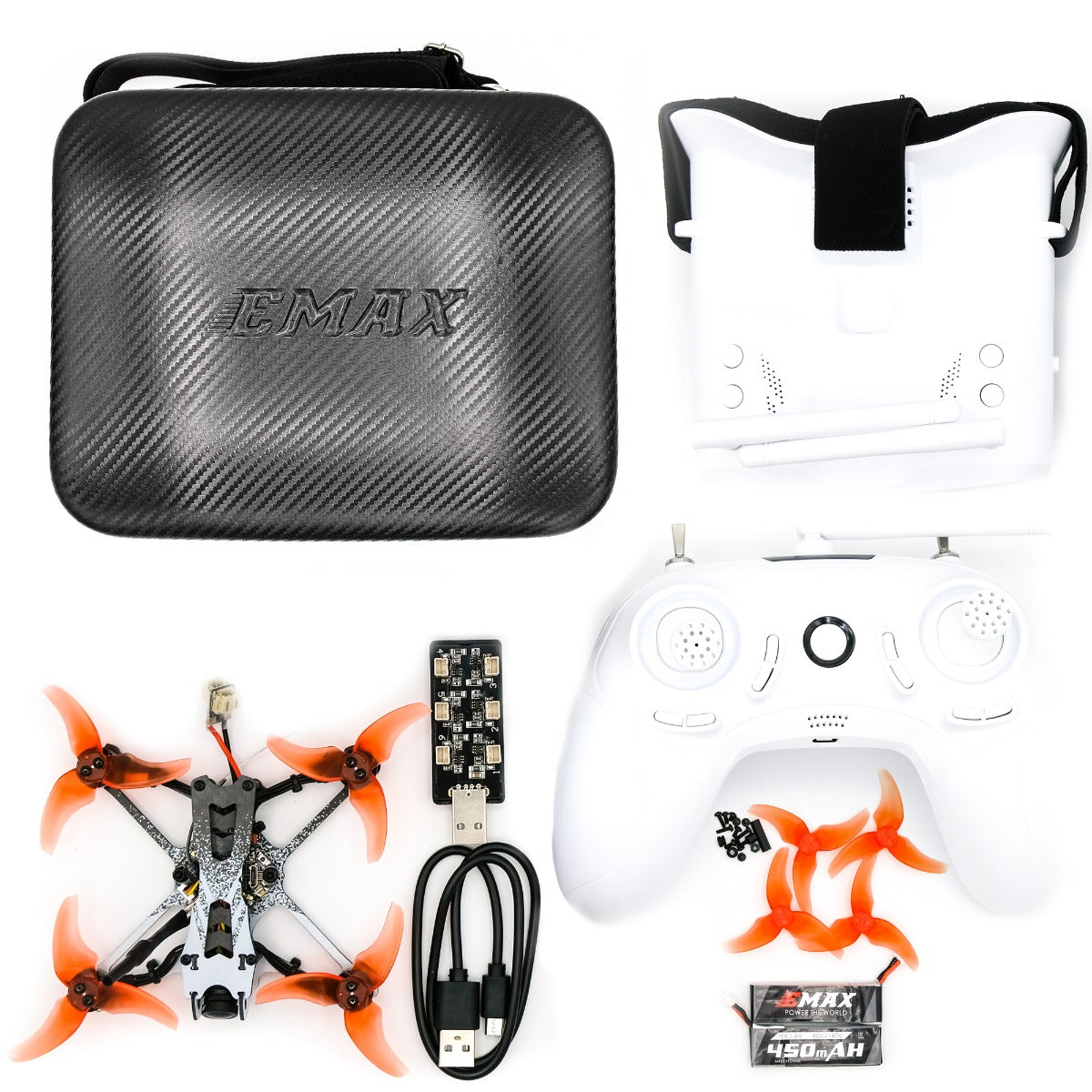
If you want zero headache, go with kits already designed for LCD goggles:
Beginner-friendly kits
- BETAFPV Cetus Pro FPV Kit
- Eachine Novice III FPV Kit
- EMAX Tinyhawk II RTF Kit
Why these work:
- Pre-bound (no pairing mess)
- Analog system (compatible out of the box)
- Power levels already tuned
You literally turn it on and fly.
The Cheap Goggles Trap (And Why People Quit FPV Because of It)
Let’s be blunt.
Cheap LCD goggles work… but they have limits.
What they do well
- Easy setup
- Big screen (comfortable)
- Cheap entry
Where they fail
- Weak signal reception
- Poor antennas (this is the killer)
- Washed-out image outdoors
And here’s the mistake:
👉 People blame the drone.
But 80% of the time?
It’s the antenna on the goggles.
Fix It in 60 Seconds: Upgrade Your Antennas
Don’t overthink this.
Replace the stock antennas immediately.
Get:
- One omni antenna (round coverage)
- One directional antenna (range boost)
That alone:
- Doubles your usable range
- Cleans up static
- Makes flying actually enjoyable
This is the part everyone ignores. And regrets later.
When LCD Goggles Are the Right Choice (And When They Aren’t)
Go with LCD goggles if:
- You’re starting FPV
- Budget matters
- You’re flying short range (parks, backyard)
Don’t use them if:
- You want HD video
- You’re flying long-range
- You’re using DJI digital systems
Different tools. Different jobs.
The Weird Edge Case Nobody Talks About
Sometimes everything is “compatible”… and it still doesn’t work.
Seen it hundreds of times.
Usually it’s one of these:
- Wrong channel or band (A/B/E/F/R confusion)
- VTX stuck in low power mode (25mW)
- Goggles not scanning properly
- Antenna not attached (yes… people do this)
One quick fix:
👉 Manually set the same channel on BOTH drone and goggles. Don’t rely on auto-scan.
Auto-scan lies more often than it helps.
If You Just Want a No-Brainer Setup
Here’s the easiest path:
- Buy a full analog FPV kit (drone + controller + LCD goggles)
- Avoid mixing brands at the start
- Upgrade antennas immediately
That’s it.
No forums. No firmware headaches. No wasted weekends.
The One Thing I Wish Everyone Knew From Day One
Compatibility in FPV isn’t about brands.
It’s about signal type.
Once you understand analog vs digital, everything else becomes obvious.
Miss that?
You’ll keep buying stuff that never works together.
Get that right?
You can mix and match gear like a pro.