

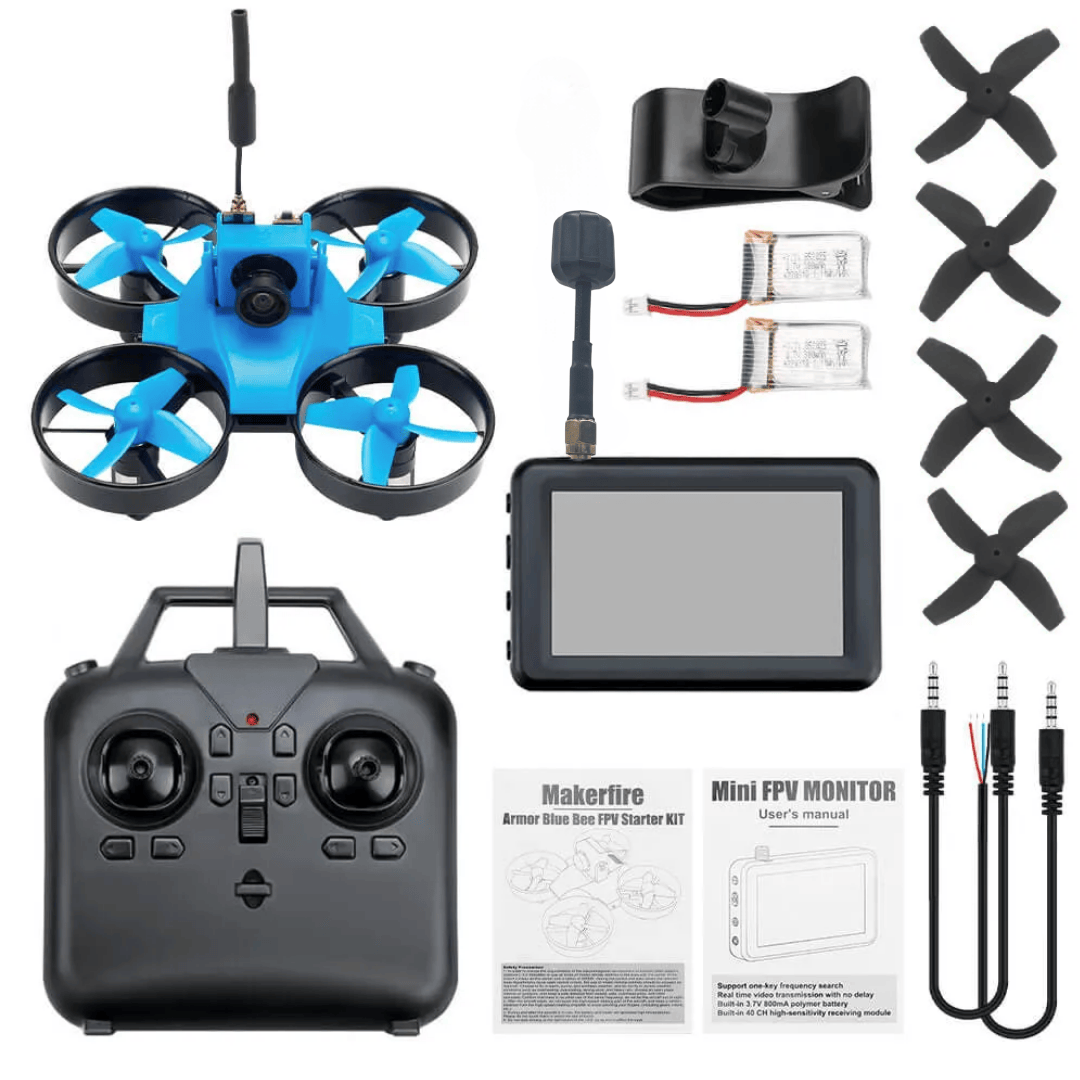
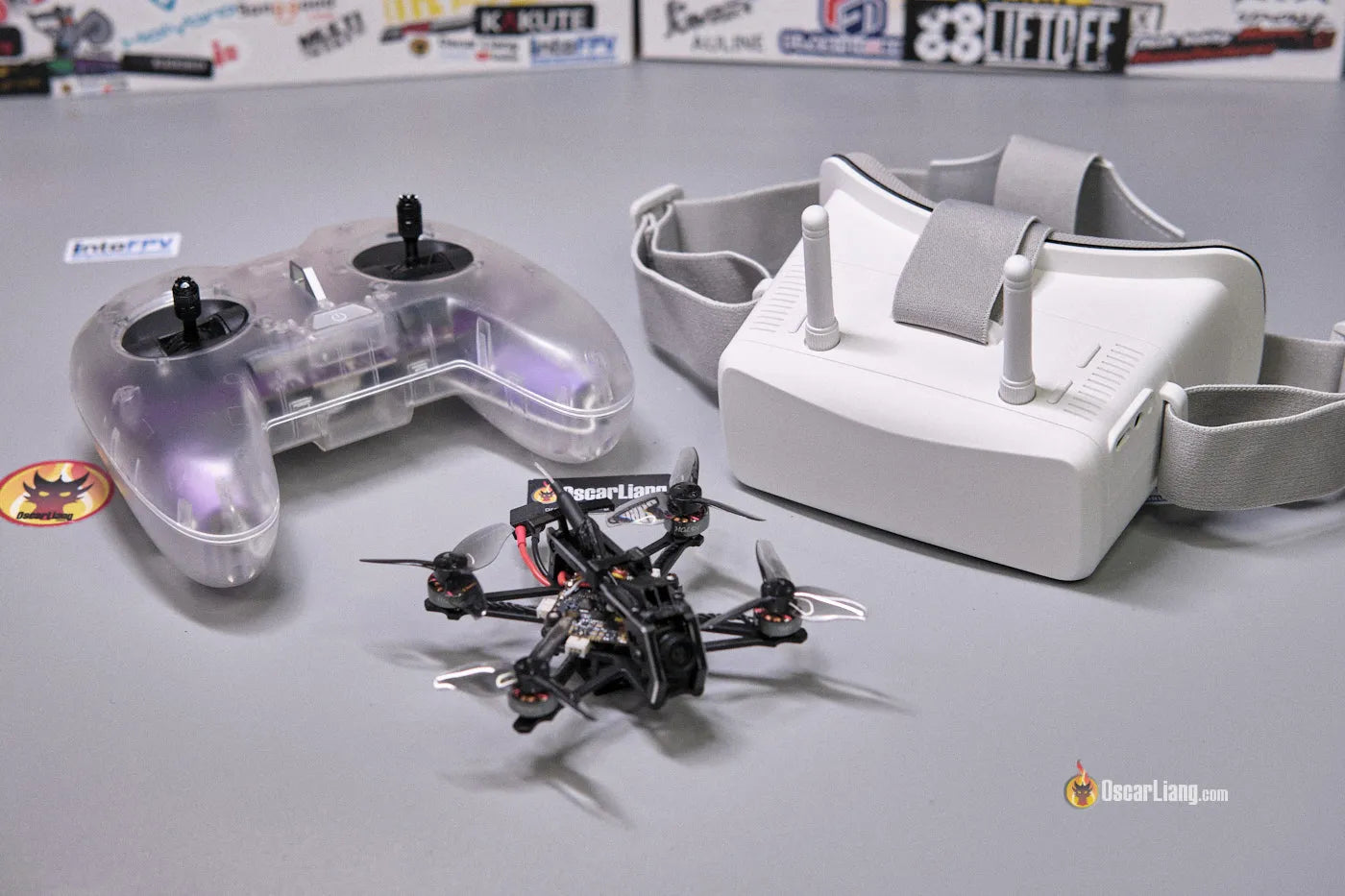
Yeah… I’ve seen this exact situation hundreds of times.
You buy a “ready-to-fly” kit thinking it’ll just work out of the box. Instead:
- goggles show static
- drone won’t bind
- controller feels dead
- battery dies in 2 minutes
Feels like you did something wrong. You didn’t. These kits are just not truly plug-and-play. They’re “almost ready.”
Let’s fix it properly.
The #1 Thing Everyone Misses (And Why Nothing Works)
Most beginners assume everything is already connected.
It isn’t.
Even in “RTF kits,” you still have three separate systems that must match:
- Radio link (controller ↔ drone)
- Video link (drone camera ↔ goggles)
- Power system (battery ↔ everything)
If even one of those isn’t synced right, you get:
- no video
- no control
- random beeping
Don’t troubleshoot blindly. First identify which system is failing.
No Video In Goggles? This Is Almost Always The Cause
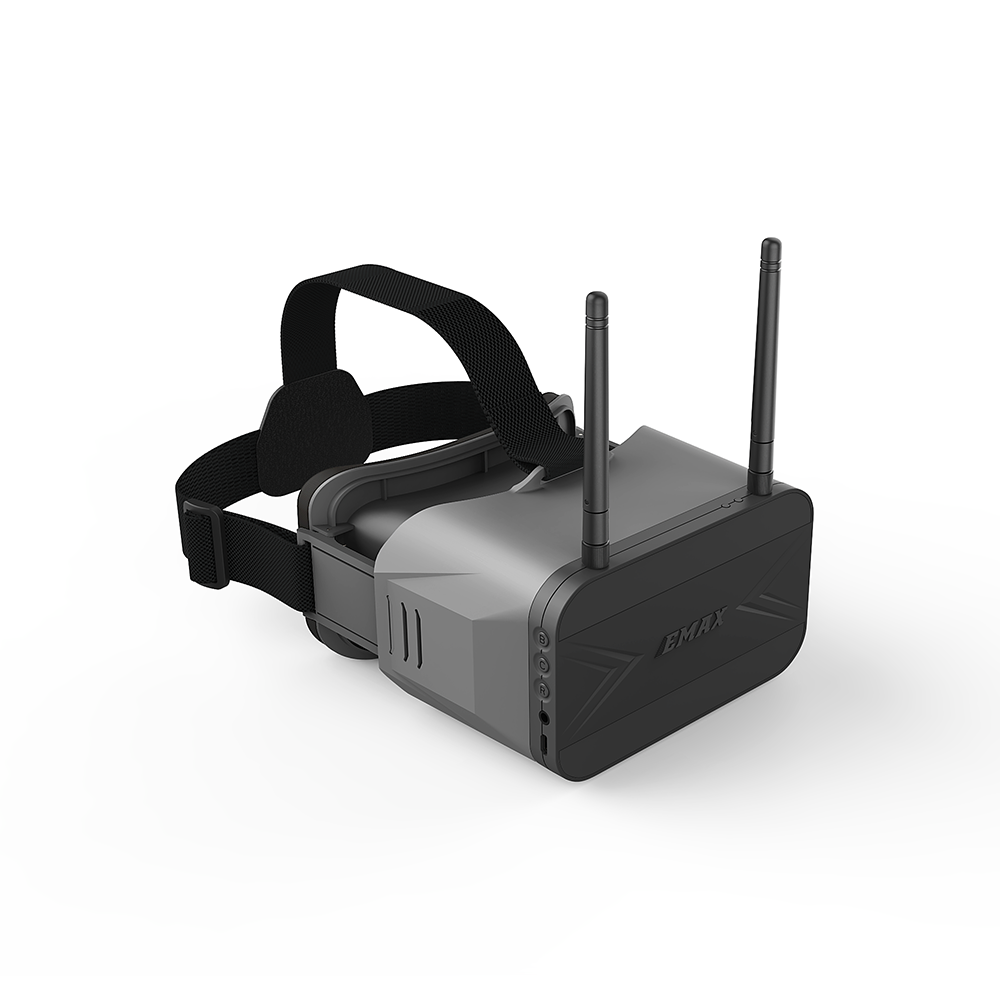
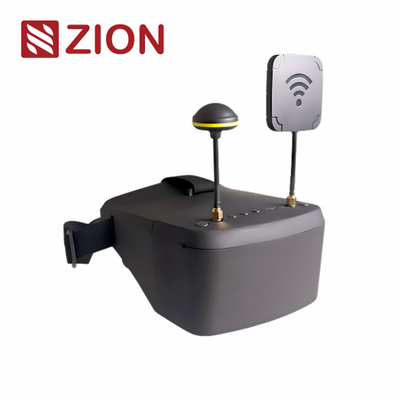

This is the one that drives people crazy.
You power everything… goggles turn on… and all you see is snow/static.
Here’s what’s really happening:
What’s actually wrong
- Goggles are on wrong channel
- Drone VTX (video transmitter) is on a different frequency
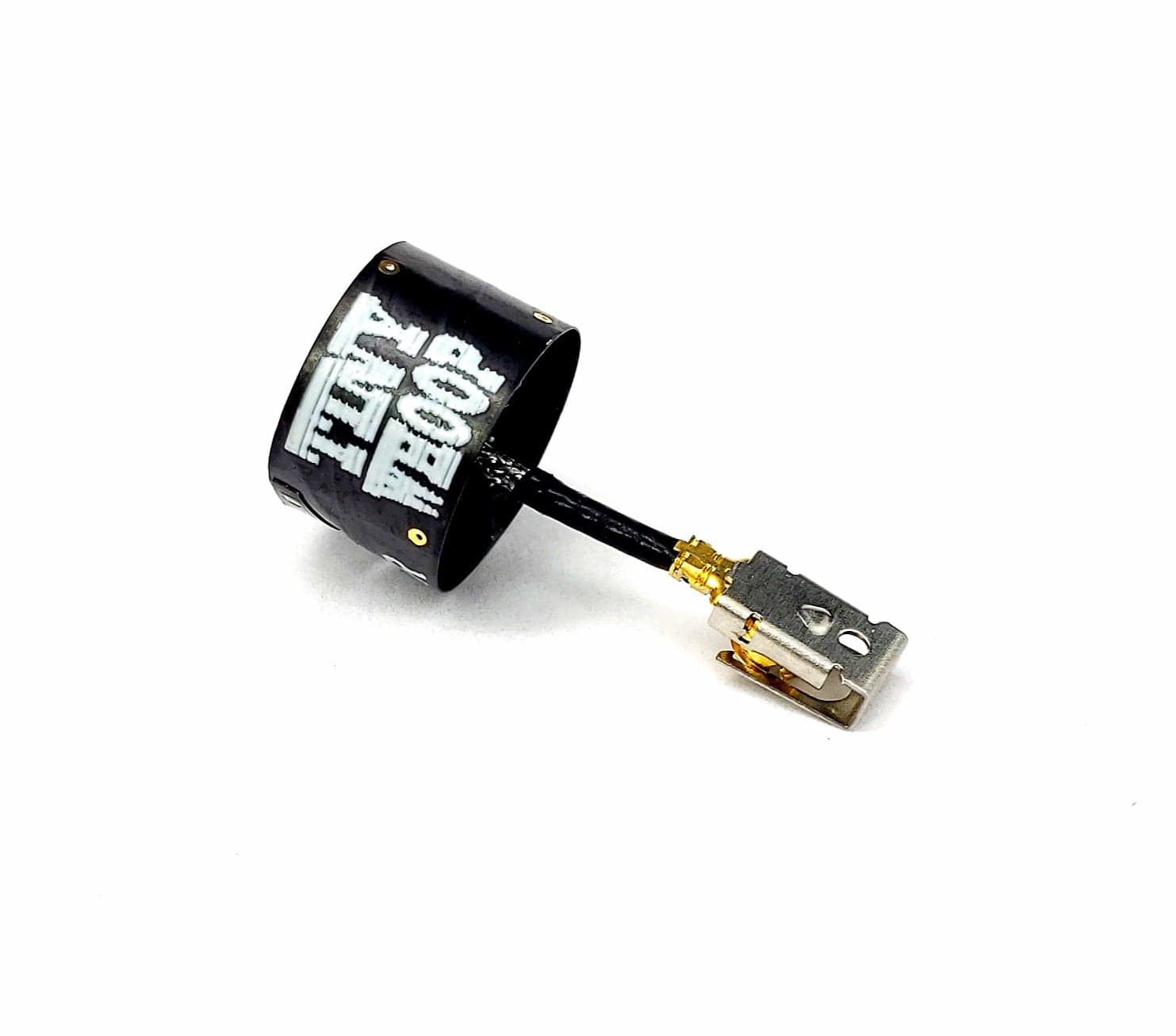
- Or worst case: antenna not connected (huge mistake)
Fix it in 30 seconds
- Turn on drone FIRST
- Then goggles
- Hit “auto scan” on goggles
- Wait until a clear image locks
If no image shows:
- Check the tiny antenna on the drone → must be screwed in
- Stay within 1–2 meters while testing
- Try manual channel match (Raceband, Channel 1 is common default)
Big warning:
Never power the drone without its antenna. That fries the VTX. Seen it too many times.
Drone Won’t Arm Or Respond To Controller

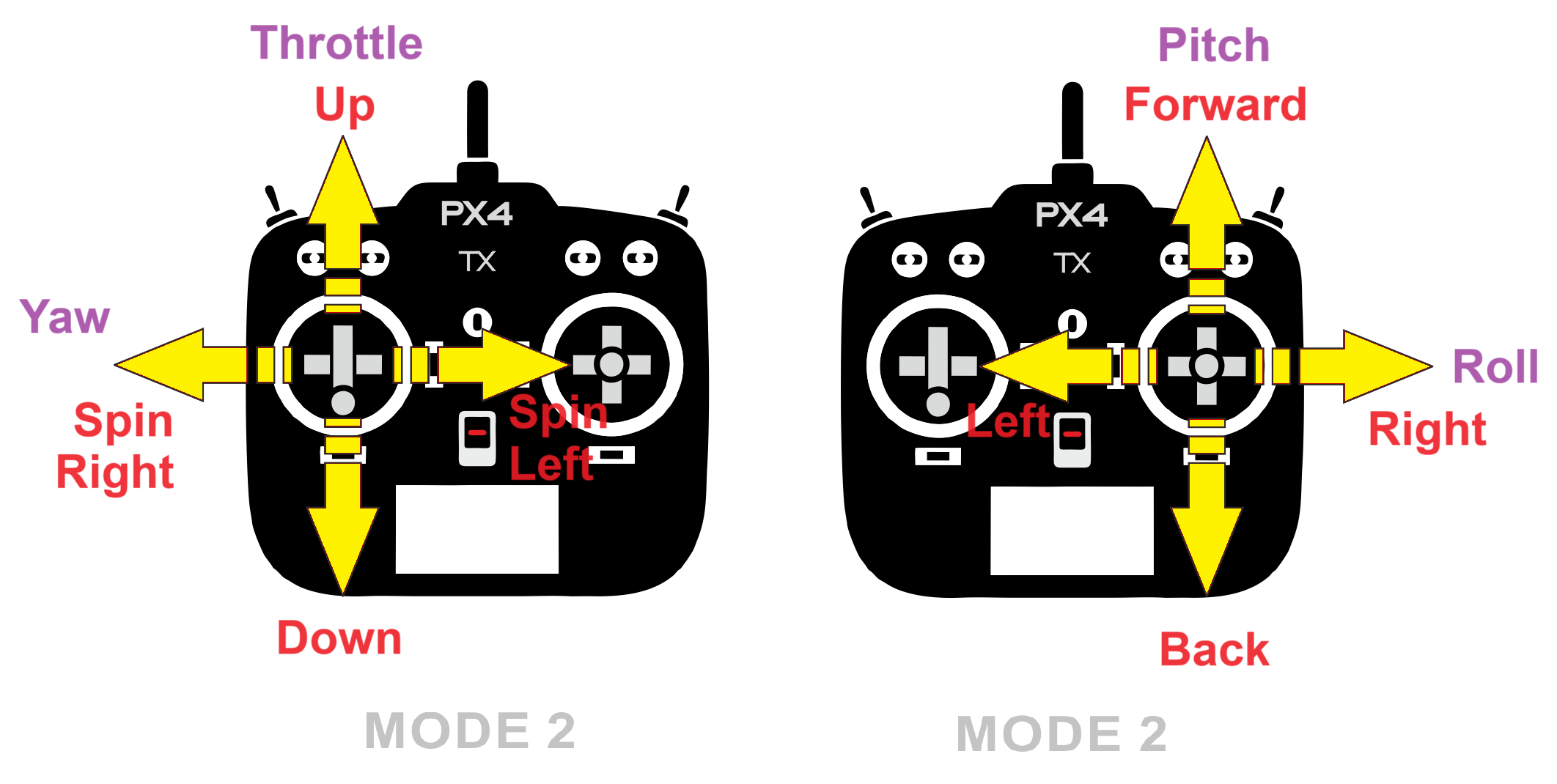

This is where people start blaming the controller.
It’s rarely the controller.
What’s actually going on
Most mini FPV kits use protocols like:
- FrSky
- ELRS (ExpressLRS)
- sometimes toy-grade custom protocols
If it’s not bound, nothing happens.
Quick check
- Does the drone LED blink fast? → Not bound
- Solid light? → Bound
Fix
- Hold bind button on drone (tiny button on board)
- Power it while holding
- Put controller in bind mode
- Wait for solid light
Still not working?
Check this (this is the part everyone misses):
- Throttle must be fully down
- Arm switch must be configured correctly
If throttle isn’t at zero, the drone refuses to arm. Safety feature.
The 2-Minute Flight Problem (Battery Reality Check)
Let’s be honest.
If you’re getting 2–4 minutes flight time… that’s normal.
These kits usually run:
- 1S LiPo batteries (300–650mAh)
That’s tiny.
What kills your battery faster
- Flying full throttle constantly
- Old batteries (very common in cheap kits)
- Overcharging or over-discharging
What actually helps
- Buy 2–3 extra batteries immediately
- Let batteries cool between flights
- Stop flying when power drops (don’t drain completely)
One battery is never enough. Ever.
Controller Feels Dead Or Laggy
Not always obvious, but this shows up like:
- delayed response
- random dropouts
- weak control range
Common causes
- Low controller battery
- Wrong antenna orientation
- Flying indoors with interference
Fix fast
- Charge controller fully
- Keep antenna upright (not sideways)
- Stay close for testing
If it’s ELRS-based:
- Make sure packet rate isn’t set too high for your environment
Cheap Kit Problems Nobody Warns You About
Here’s the stuff you only learn after fixing dozens of these:
1. Camera tilt matters
If the camera is angled too high:
- you’ll crash immediately indoors
Start flat. Adjust later.
2. Prop direction gets messed up
If props spin wrong:
- drone flips instantly on takeoff
Look for:
- “props out” vs “props in” setup
3. Loose connectors
Tiny drones vibrate a lot.
Check:
- battery lead
- camera wire
- antenna
One loose wire = total failure.
Quick Diagnosis Table (Use This Instead Of Guessing)
| Problem | What It Actually Means | Fix |
|---|---|---|
| Goggles show static | Wrong channel / no signal | Auto scan + check antenna |
| Drone lights blinking | Not bound | Bind controller again |
| No arming | Safety lock (throttle/switch) | Throttle down + check arm switch |
| Flips on takeoff | Wrong props | Reinstall props correctly |
| 2 min flight | Normal small battery | Get more batteries |
The One Thing I Wish Everyone Knew From Day One
These kits are not toys.
They’re miniature versions of full FPV systems:
- radio system
- video transmission
- flight controller logic
Once you understand that, everything clicks.
Stop treating it like a WiFi gadget.
Start thinking of it like a tiny aircraft system with separate subsystems.
Still Stuck? Do This Before You Give Up
Run this quick reset checklist:
- Power cycle EVERYTHING (drone, goggles, controller)
- Rebind controller
- Auto scan goggles again
- Check antenna connections
- Test at very close range (1 meter)
If it still fails after that, you’re likely dealing with:
- dead VTX
- bad receiver
- faulty board (common in cheap kits)
At that point, repair or replacement makes more sense than fighting it.
You’re not the problem here. These kits just assume you already know how FPV works.
Now you do.