Yeah… this space is confusing the first time.
You buy something labeled “ready to fly,” open the box, and suddenly you’re dealing with binding, firmware, antennas, and a drone that won’t arm.
Happens to almost everyone.
Let me save you a few weeks of frustration.
The #1 Mistake: Thinking “Ready-to-Fly” Means Zero Setup
Here’s the reality nobody explains properly.
RTF (Ready-to-Fly) does NOT mean zero configuration.
It means everything you need is included. That’s it.
You’ll still deal with:
- Radio binding (controller → drone)
- Channel matching (goggles → video transmitter)
- Battery charging quirks
- Arming restrictions (this trips people hard)
Think of it like buying a gaming PC. It’s assembled, but you still plug things in and set it up.
What a Proper FPV Kit Actually Includes (And What’s Missing)
A real FPV starter kit should include:
- Drone (usually a small quadcopter)
- Controller (radio transmitter)
- FPV goggles
- Batteries + charger
- Props (extra ones — you’ll need them)
But here’s the part most people miss:
The weak link is almost always the goggles or controller.
Manufacturers cut corners there to hit a price point.
The Kits I Actually Recommend (Because They Don’t Waste Your Time)
BetaFPV Cetus X Kit (Best Balance for Beginners)
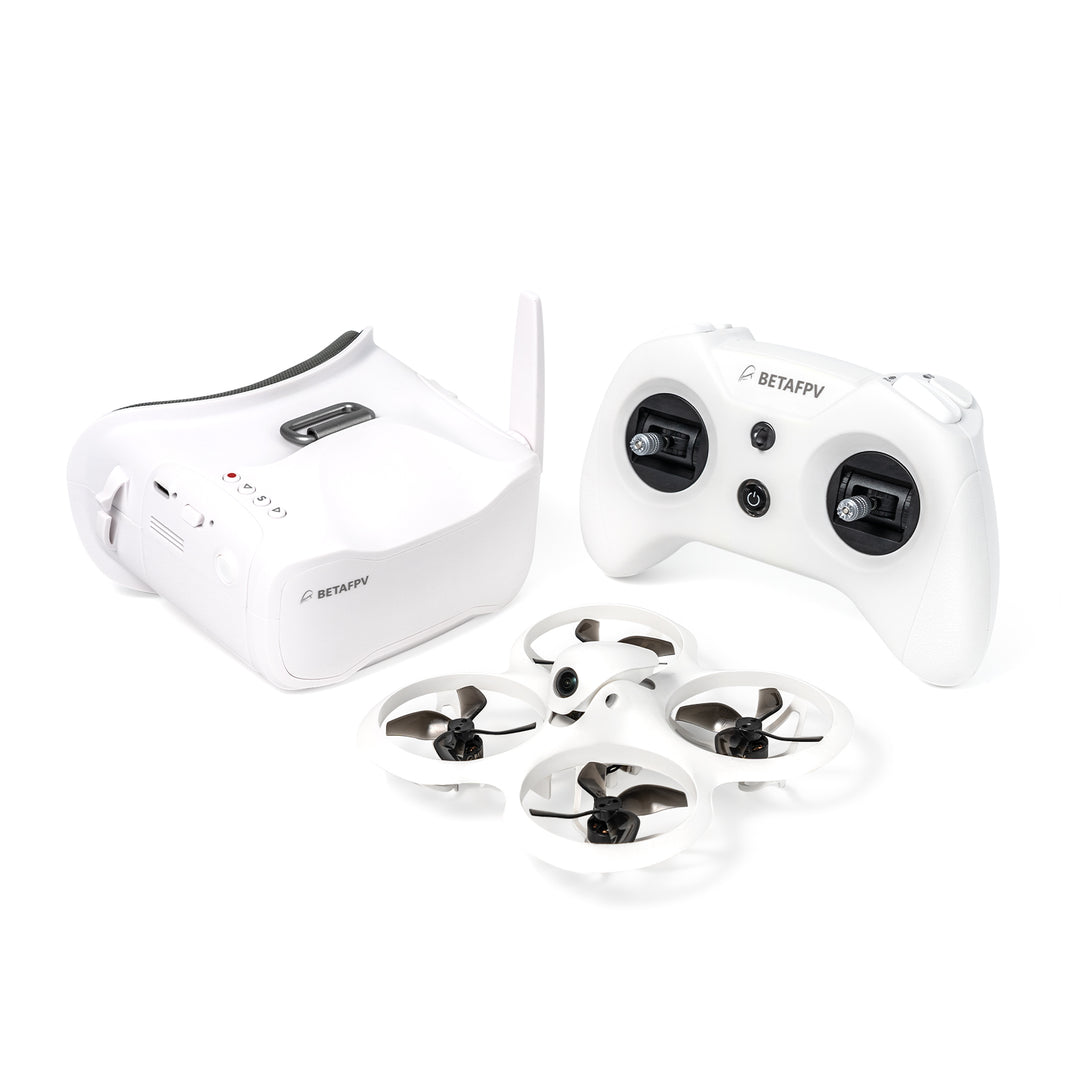

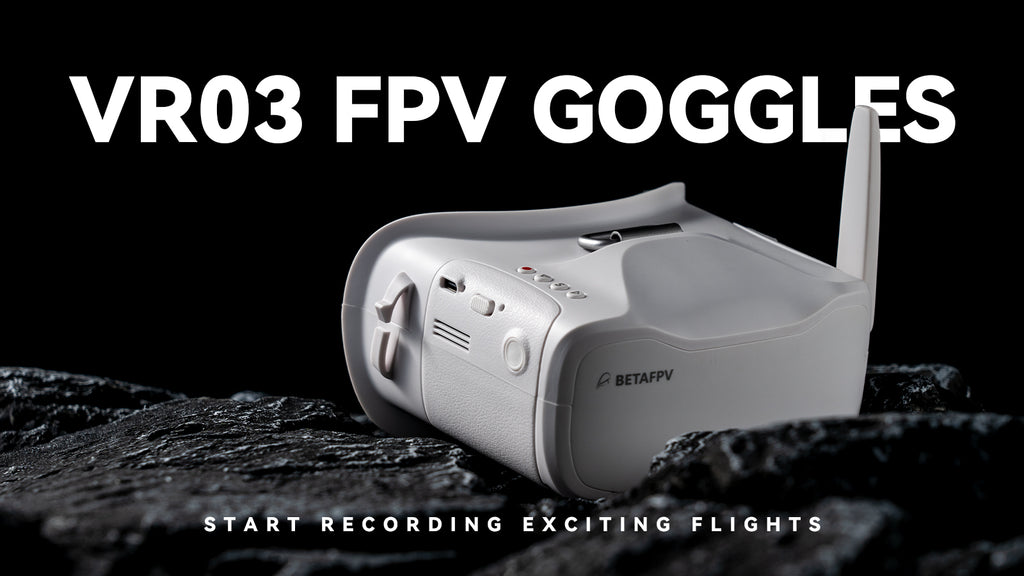
This is the one I’ve handed to complete beginners without babysitting them.
Why it works:
- Brushless motors (more power, not toy-grade)
- Decent goggles (not amazing, but usable)
- Stable flight modes + manual mode later
If you want something you won’t outgrow in 2 weeks, this is it.
DJI Avata (Premium, Almost Too Easy)
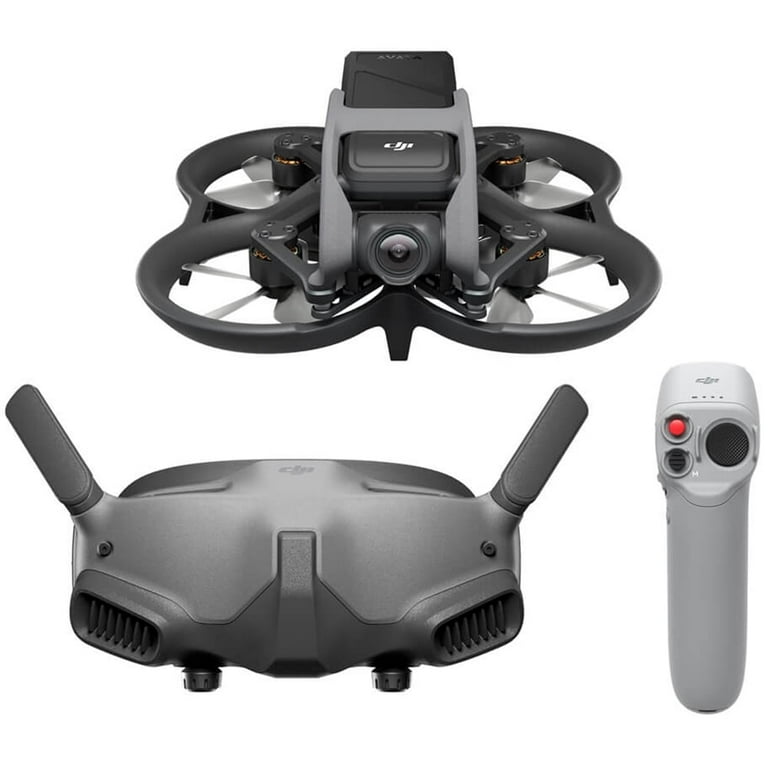

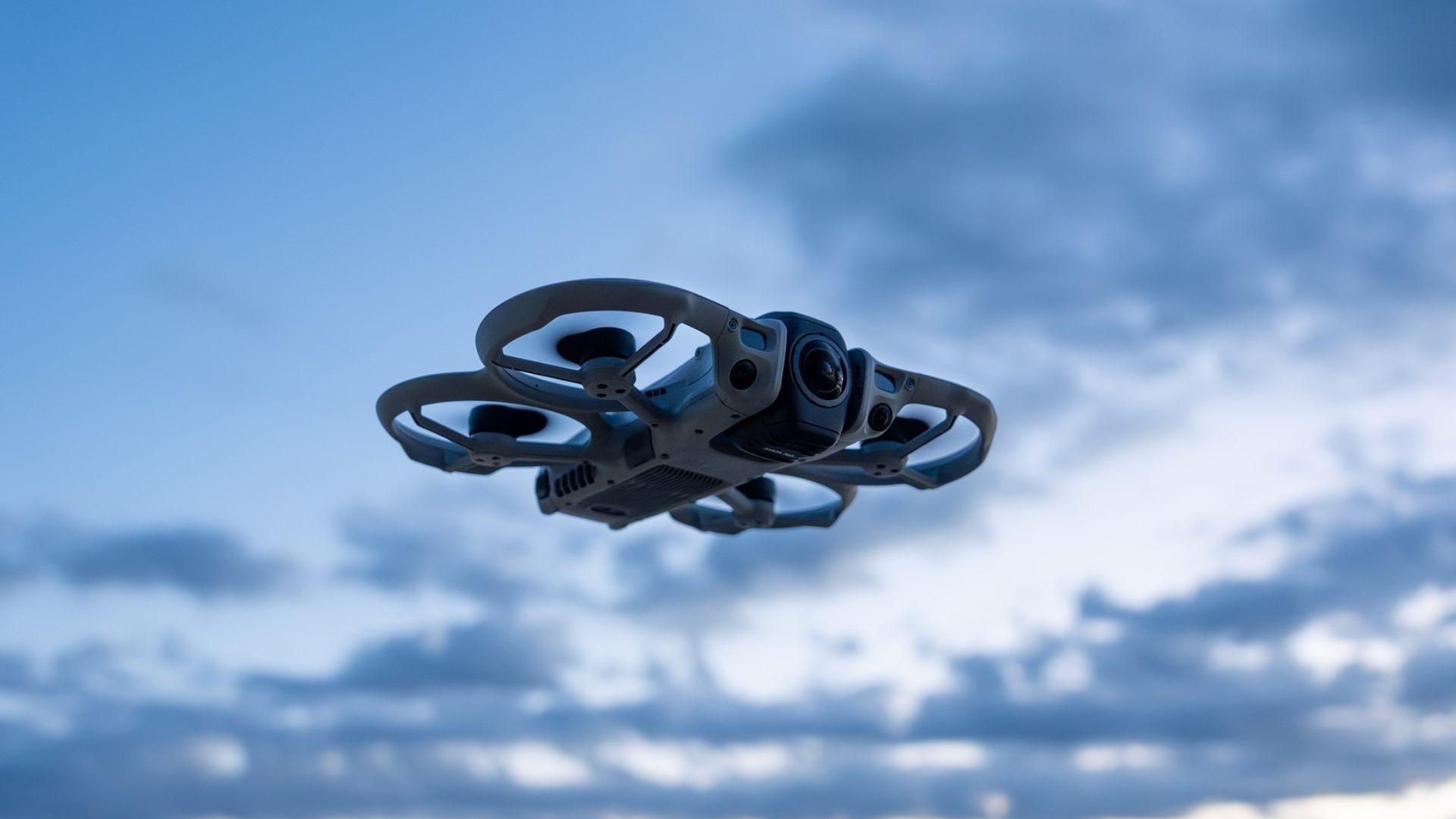
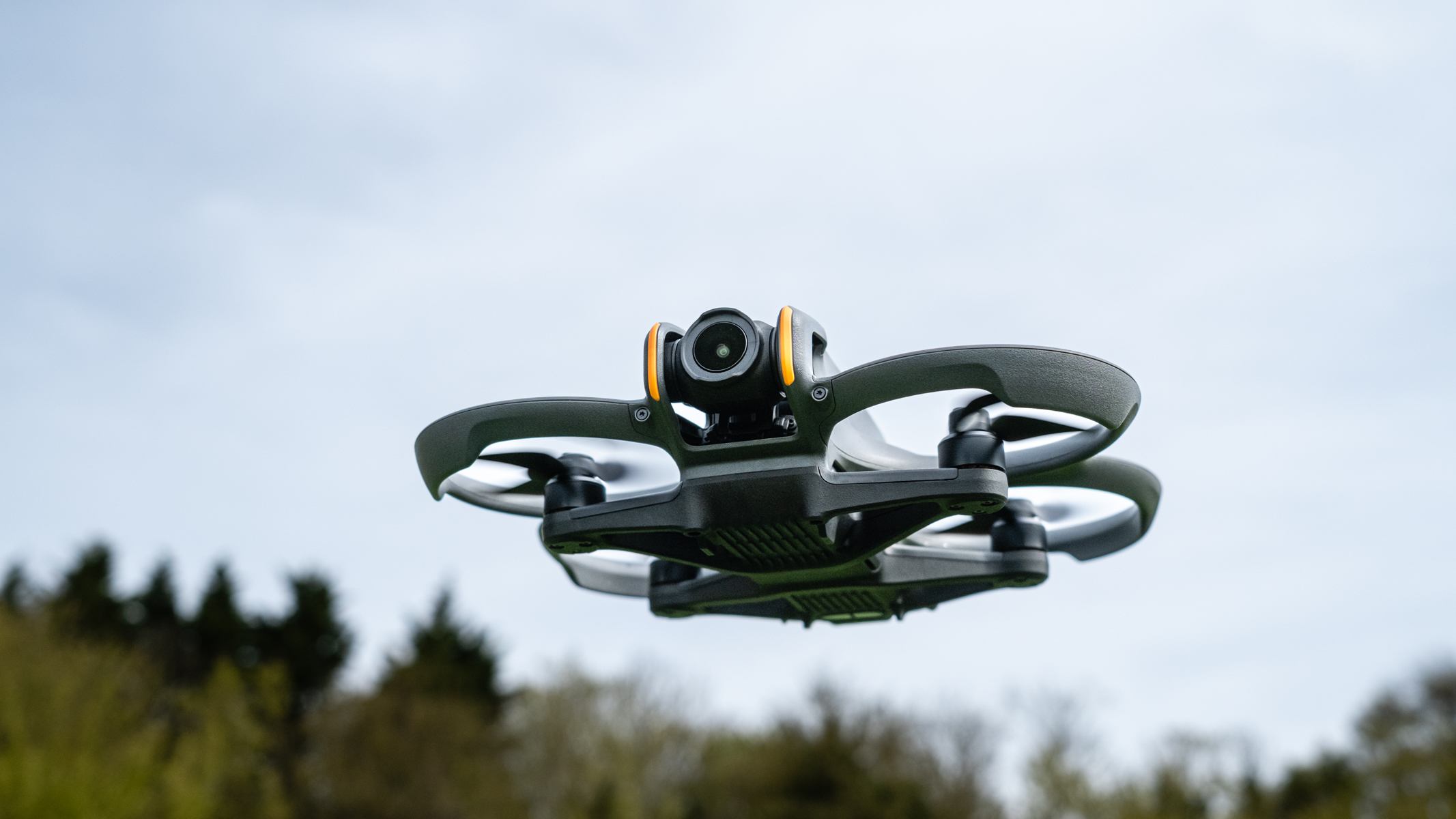
Completely different category.
Why people love it:
- GPS stabilization (feels like a flying camera)
- Incredible video quality
- Plug-and-play experience
But here’s the catch:
It doesn’t teach you real FPV skills.
Great for cinematic shots. Not great if you want to fly like a freestyle pilot.
EMAX Tinyhawk III RTF Kit (Safe First Step)


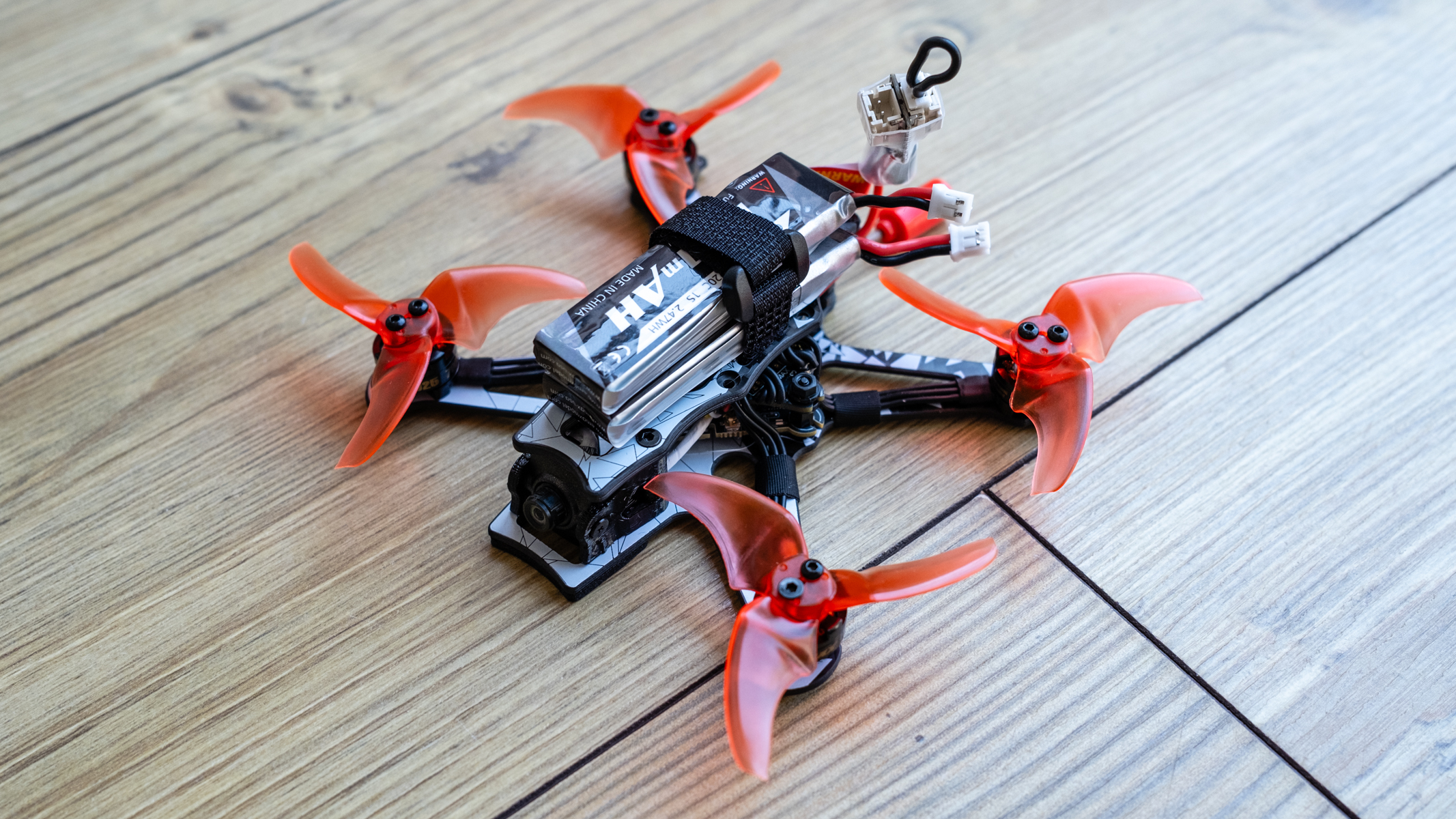
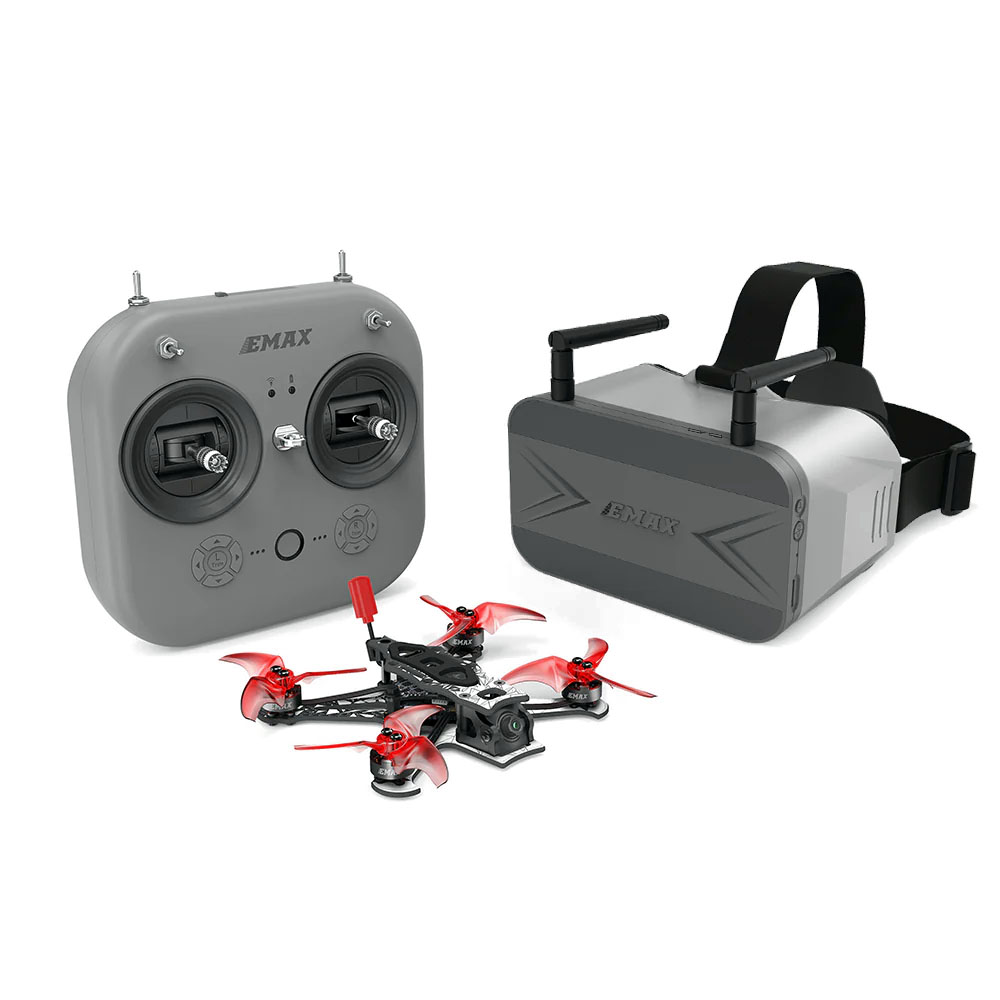
This one is forgiving.
- Lightweight (crashes don’t hurt much)
- Indoor + outdoor capable
- Simple setup
Best if you’re nervous about breaking stuff on day one.
Analog vs Digital FPV (This Confuses Everyone)
Here’s the simple version:
| Type | What You See | Cost | Latency | Who It’s For |
|---|---|---|---|---|
| Analog | Static, old TV look | Cheap | Very low | Beginners, racers |
| Digital (like DJI) | HD, clear | Expensive | Slightly higher | Cinematic flying |
Most starter kits = analog.
And that’s fine.
Actually better for learning because:
- Less fragile
- Cheaper to crash
- Faster response
The Moment Everyone Gets Stuck (And Thinks It’s Broken)
You power everything on.
Drone won’t arm. Goggles show static. Controller beeping.
Welcome to FPV.
Here’s what’s usually happening:
1. Drone Won’t Arm
It’s almost always a safety lock.
Check:
- Throttle at zero
- Drone is level
- Battery voltage OK
- Arm switch mapped correctly
Sometimes there’s a warning in Betaflight (if you connect it). Most beginners never check that.
2. Goggles Show Static or Black Screen
This is classic.
Your goggles are on the wrong channel.
Fix:
- Hit auto-scan on goggles
- Or manually match the VTX band/channel
Think of it like tuning a radio station. Wrong frequency = noise.
3. Controller Not Talking to Drone
Binding issue.
What works:
- Put drone in bind mode (button or power cycle trick)
- Put controller in bind mode
- Wait for solid light
If lights keep blinking → they’re not paired yet.
The One Thing I Wish Everyone Did First
Before flying:
Use a simulator.
Seriously.
Try:
- Liftoff FPV Drone Racing
- VelociDrone
Why?
Because FPV controls are backwards to your brain at first.
Without sim practice:
- You crash instantly
- You panic on throttle
- You burn motors or lose the drone
With sim:
- Muscle memory builds fast
- First real flight feels controlled
Batteries: The Silent Killer of Your Experience
Nobody talks about this enough.
Bad battery habits = terrible flight experience.
Watch for:
- Voltage sag (drone drops suddenly)
- Over-discharging (kills battery permanently)
- Wrong charger settings
Basic rule:
- Stop flying at ~3.5V per cell
Not when it falls out of the sky. Before that.
When You’ve Outgrown Your First Kit
You’ll know.
Signs:
- You want more speed
- You want better video
- You want to customize
That’s when you move to:
- Custom build
- Better goggles
- ELRS radios (long range, reliable)
But don’t rush this.
Most people upgrade too early and just get more confused.
Quick Reality Check (So You Don’t Quit)
First flight usually looks like:
- Take off → wobble → panic → crash
Normal.
Second session:
- Slight control
Third:
- You start “feeling” it
And then it clicks.
If You Just Want the Straight Recommendation
Skip the overthinking.
- Safe beginner → Cetus X
- Cheapest learning curve → Tinyhawk III
- Premium easy mode → DJI Avata
Pick one. Start flying. Adjust later.
That’s how everyone who actually sticks with FPV does it.