Yeah… this one trips almost everyone the first time.
You buy shiny new goggles, expect everything to just “connect,” and then nothing binds. Black screen. No signal. Feels like you messed up.
You didn’t.
The problem isn’t you — it’s DJI’s ecosystem lock. And if you don’t understand that part, you’ll keep buying the wrong gear.
Let’s fix that properly.
The #1 Reason Nothing Connects (And How To Check It Fast)
Here’s the truth nobody tells beginners clearly:
👉 DJI goggles don’t work like analog FPV goggles.
They only talk to specific DJI video systems. Think of it like Apple devices — they don’t just pair with anything.
With DJI Goggles N3, you are locked into:
- DJI O3 / newer DJI digital systems
- Specific DJI drones designed for that protocol
Quick check (takes 10 seconds):
- If your drone uses analog VTX (5.8GHz) → ❌ Won’t work
- If your drone uses Walksnail / HDZero → ❌ Won’t work
- If your drone uses DJI O3 Air Unit or built-in DJI system → ✅ You’re good
That’s the whole game.
What Actually Works With DJI Goggles N3
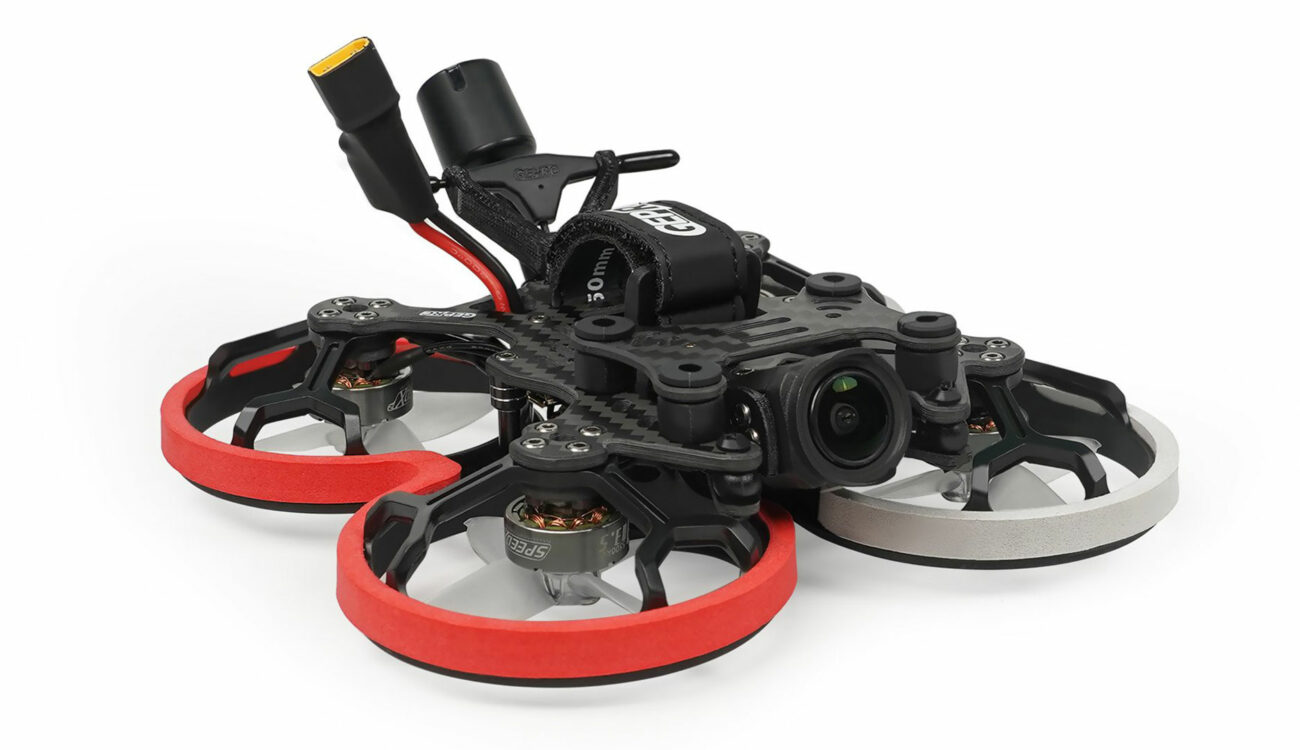
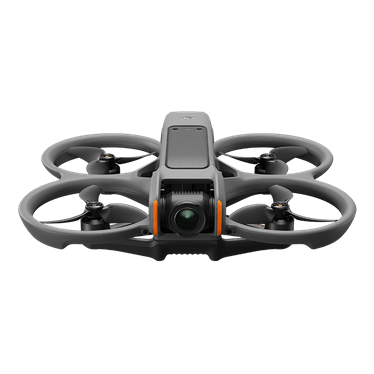
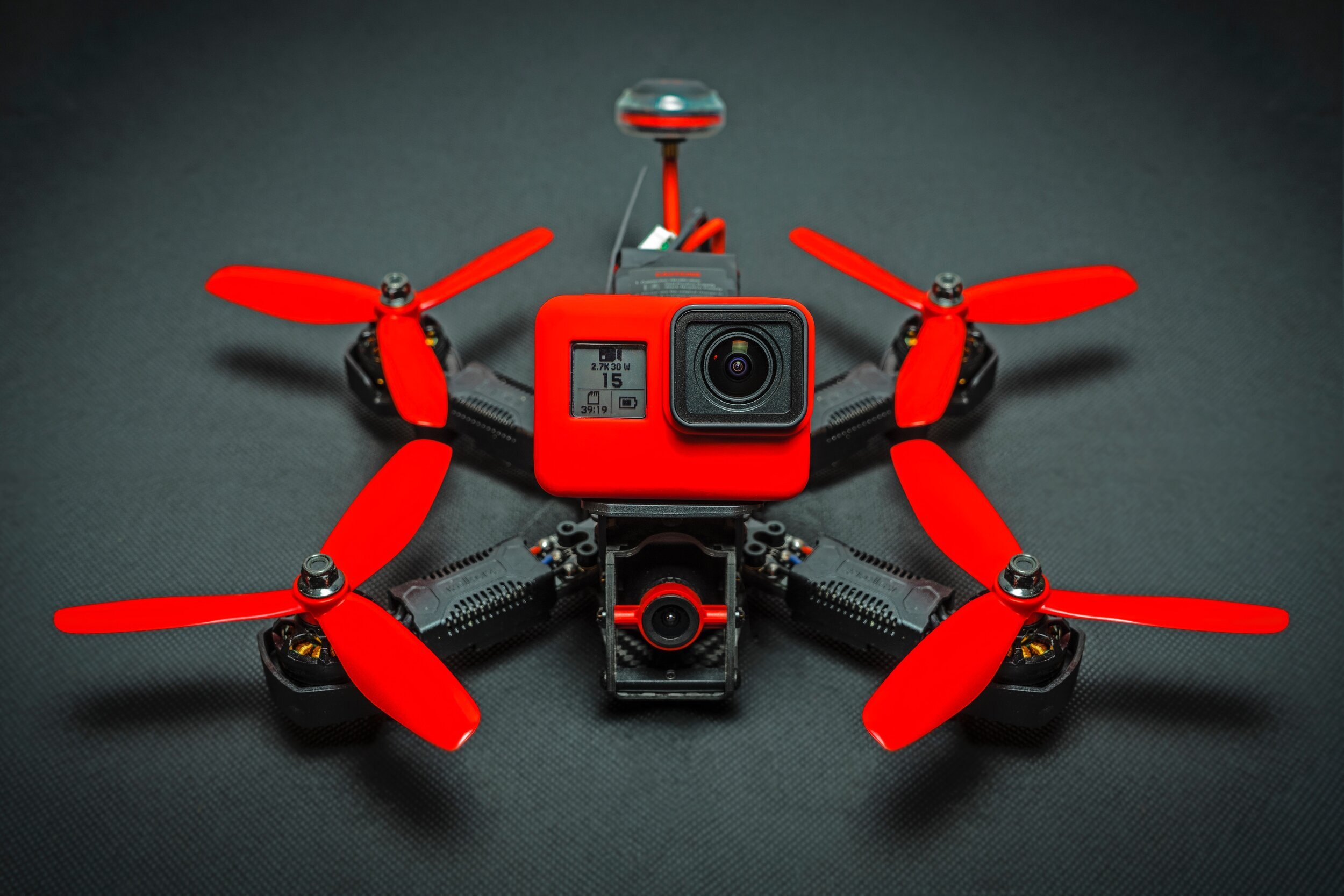

You’ve got two real paths here.
1. Plug-and-Play DJI Drones (No Guesswork)
These just bind and fly:
- DJI Avata
- DJI Avata 2 (if firmware supports N3 — check before buying)
- DJI FPV Drone
Why these work:
They already have DJI’s digital transmission system built in. No wiring, no soldering, no confusion.
If you’re tired of troubleshooting — this is your escape hatch.
2. Custom FPV Drone (With DJI O3 Air Unit)
This is where most people mess up.
If you’re building or buying a custom quad, it must include:
- DJI O3 Air Unit
That’s the brain + camera + transmitter all in one.
Without it → your goggles are blind.
The Compatibility Table (Keep This In Your Head)
| System Type | Works with DJI Goggles N3? | Reality |
|---|---|---|
| Analog FPV (5.8GHz VTX) | ❌ No | Needs separate analog goggles |
| Walksnail Avatar | ❌ No | Different digital ecosystem |
| HDZero | ❌ No | Also separate system |
| DJI O3 Air Unit | ✅ Yes | This is your target |
| DJI Built-in (Avata/FPV) | ✅ Yes | Plug-and-play |
If you remember nothing else, remember this table.
The Mistake I See All The Time
Someone buys:
- A random “FPV drone” from a shop
- Plus DJI goggles
Then they wonder why there’s no video.
What happened?
👉 The drone had an analog transmitter, not DJI digital.
They basically bought a TV and a PlayStation… but one uses HDMI and the other uses antenna.
No bridge. No signal.
The Simple Fix Most People Miss
Before buying anything, ask ONE question:
👉 “Does this drone have a DJI O3 Air Unit?”
If the seller hesitates or says “it’s digital HD,” that’s not enough.
You want that exact phrase.
No O3 = no connection.
Edge Case That Confuses Even Experienced Pilots
Here’s a weird one.
Some drones say:
- “DJI-compatible”
- “Digital HD FPV”
But they’re using older DJI systems (like Vista / Air Unit v1).
Problem?
👉 Newer goggles like N3 may not support older systems properly.
That’s where people get burned even after “doing research.”
When in doubt:
- Go latest DJI system (O3)
- Or go official DJI drone
Avoid mixing generations unless you enjoy firmware headaches.
If You Already Bought The Wrong Drone
Don’t panic. You’ve got options.
Option 1: Swap the Video System
- Remove analog VTX
- Install DJI O3 Air Unit
- Requires soldering + frame space
Option 2: Return / Resell
Honestly? Sometimes faster and cheaper.
Option 3: Buy Analog Goggles Too
Not ideal, but some pilots run both systems.
When Things Should Work… But Still Don’t
If you KNOW you have O3 and it still won’t connect:
Check this before losing your mind:
- Firmware mismatch (super common)
- Binding not completed properly
- Goggles not in correct mode
- Antennas not attached (yes… happens more than you’d think)
Start with firmware. Always.
The One Thing I Wish Everyone Knew From Day One
FPV isn’t one system.
It’s multiple separate ecosystems:
- Analog
- DJI digital
- Walksnail
- HDZero
And they do not cross-talk.
Once you pick one — you’re in it.
Quick Reality Check Before You Buy Anything Else
Ask yourself:
- Do I want plug-and-play → get DJI Avata
- Do I want custom freestyle build → get O3-based drone
- Do I already own analog gear → don’t expect DJI goggles to replace it
That clears 90% of confusion instantly.
You’re not stuck anymore.
Now you know exactly why it wasn’t working — and what actually will.