
Yeah… this one drives people insane.
You charge everything, power it up, and the goggles just sit there saying “No Signal” or refuse to bind. You start thinking something is broken.
Most of the time? It’s not broken. It’s one small mismatch or a step people miss.
Let’s walk through it like I would if you handed me the gear on a bench.
The #1 Reason This Happens (And Nobody Tells You)
Your goggles and drone are not in the same “system generation.”
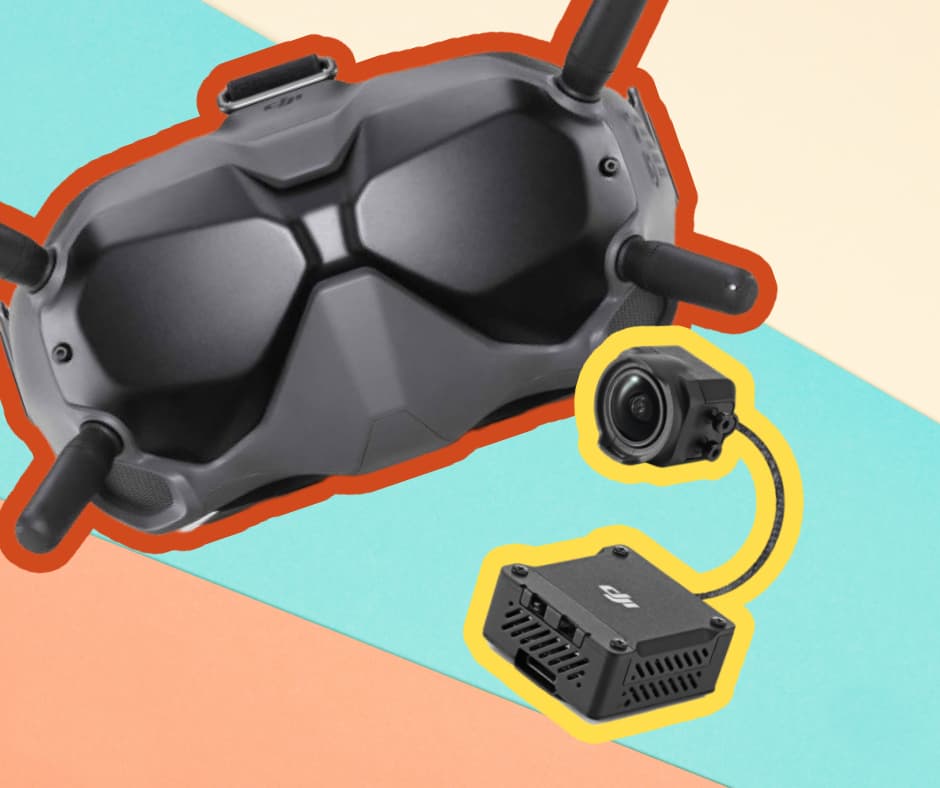
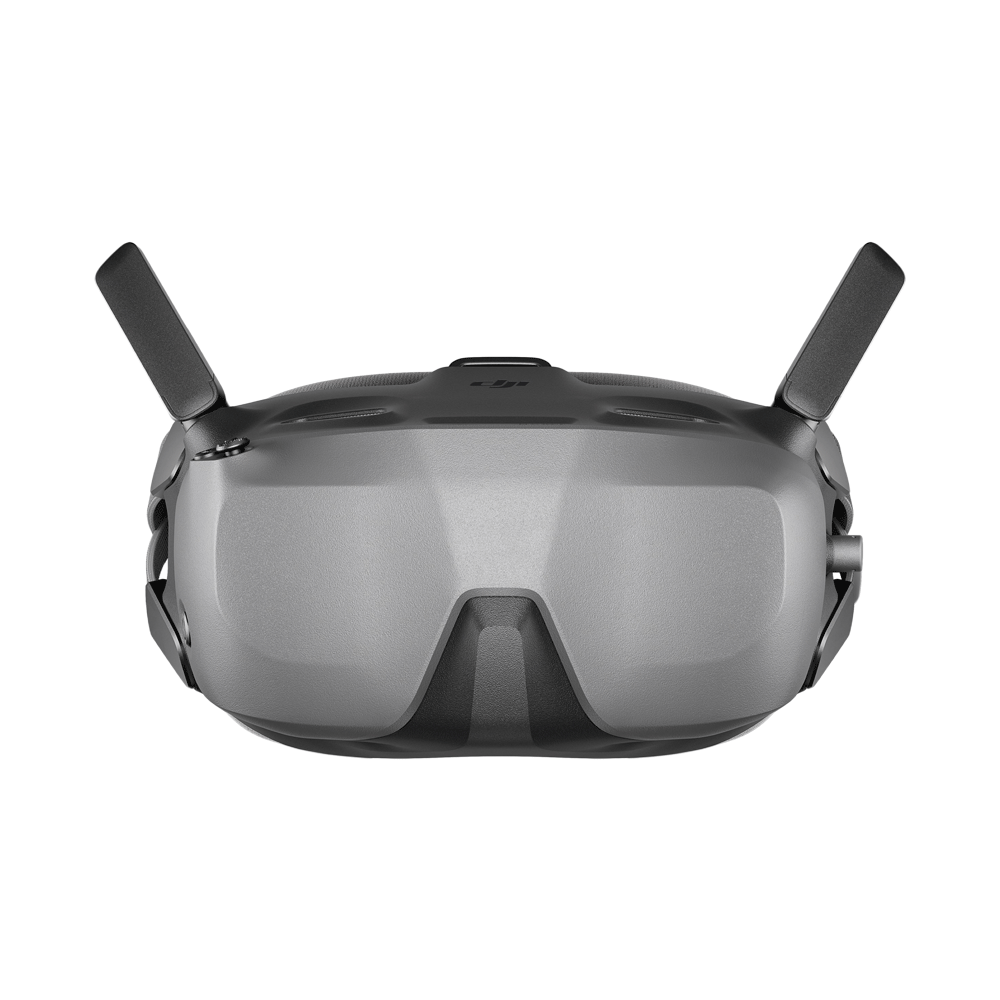
This bites people constantly with DJI FPV Goggles V2.
These goggles can work with:
- DJI FPV Drone (the gray one)
- Some DJI Air Units / Vista systems (DIY drones)
But here’s the catch:
- If your drone is running DJI FPV firmware (digital FPV system)
- And your goggles are stuck in DJI Air Unit mode (DIY FPV mode)
👉 They will NEVER connect. Ever.
Fix (takes 10 seconds):
- Power on goggles
- Go to Settings → Device → Switch Mode
- Choose DJI FPV Drone mode
That’s it. Most people never check this.
If You See “No Signal” — It’s Already Bound (But Not Talking)
This confuses people.
If you’re getting:
- “No Signal”
- Black screen
- OSD missing
That means:
👉 Binding might already be done. The video link is what’s broken.
Check these fast:
- Camera cable loose inside drone
- Damaged antenna on drone or goggles
- Wrong channel / region settings
- VTX not powered (common after crashes)
Quick test:
Turn on drone → wait 10 seconds → listen.
If you hear the ESC startup tones but no video, it’s not a binding issue.
Binding Properly (The Way That Actually Works)
People rush this. Timing matters.
Using DJI FPV Drone:
- Turn on goggles first
- Then drone
- Then remote controller
Now do this:
- Press the link button on goggles (you’ll hear beeping)
- Press the bind button on drone (tiny button near battery)
The one thing that matters:
👉 Do this within 30 seconds or it silently fails.
You should see:
- Goggles beep → stop
- Live feed appears
If nothing happens? Don’t keep retrying blindly. Move to the next section.
Firmware Mismatch — The Silent Killer
I’ve seen this more than hardware failures.
If one device updated and the other didn’t, they refuse to talk.
Common scenario:
- Goggles updated via app
- Drone still on older firmware
Result? No connection.
Fix: Update everything using DJI Assistant 2
Do it properly:
- Plug goggles into PC → update
- Plug drone into PC → update
- Plug controller → update
Important:
👉 Don’t rely on the mobile app for this. It misses stuff.
The “It Was Working Yesterday” Problem
This one’s usually physical, not software.
After a crash or even a rough landing:
- Antenna slightly loose
- Internal coax cable popped
- Camera ribbon cable half-out
Symptoms:
- Random signal drops
- Works sometimes, then dies
- Static or gray screen
What I always do:
- Remove top shell
- Check camera cable firmly seated
- Check antenna connectors (they click in)
Tiny issue. Huge headache.
When the Remote Connects But Goggles Don’t
That tells you something important.
👉 Control link works. Video link doesn’t.
Meaning:
- Remote ↔ Drone = OK
- Goggles ↔ Drone = NOT OK
Focus ONLY on:
- Goggles mode
- Video transmitter (VTX)
- Antennas
Ignore everything else.
Quick Diagnosis Table (Use This Like a Cheat Sheet)
| Symptom | What It Actually Means | What To Do |
|---|---|---|
| No Signal (black screen) | Bound, but no video | Check camera, antenna, VTX |
| Won’t bind at all | Mode or firmware issue | Switch mode + update firmware |
| Connects then drops | Hardware issue | Check antennas + internal cables |
| Remote works, goggles don’t | Video system issue | Focus on goggles + VTX |
| Constant beeping during bind | Timeout or wrong order | Restart and bind again properly |
The One Thing I Wish Everyone Knew
DJI FPV is not plug-and-play like people think.
There are actually two different digital ecosystems inside the same goggles. If they’re not aligned, nothing connects.
Most people:
- Reset everything
- Rebind 20 times
- Blame firmware
But never check mode.
Still Stuck? Here’s The Nuclear Option
When nothing makes sense anymore, do this:
- Update EVERYTHING via DJI Assistant 2
- Factory reset goggles
- Factory reset drone
- Rebind from scratch
And before binding:
👉 Double-check goggles are in DJI FPV mode
No shortcuts here. Clean reset fixes weird edge cases.
Final Reality Check
If after all this:
- No signal
- No bind
- Firmware matches
- Mode is correct
Then yeah… now we’re talking hardware failure:
- Dead air unit
- Burnt VTX
- Damaged board
But honestly? That’s rare.
Most of the time, it’s one of these:
- Wrong mode
- Firmware mismatch
- Loose cable
Fix those, and it comes back to life.