
Let’s get one thing straight.
This is not a normal drone.
And most frustration comes from treating it like one.
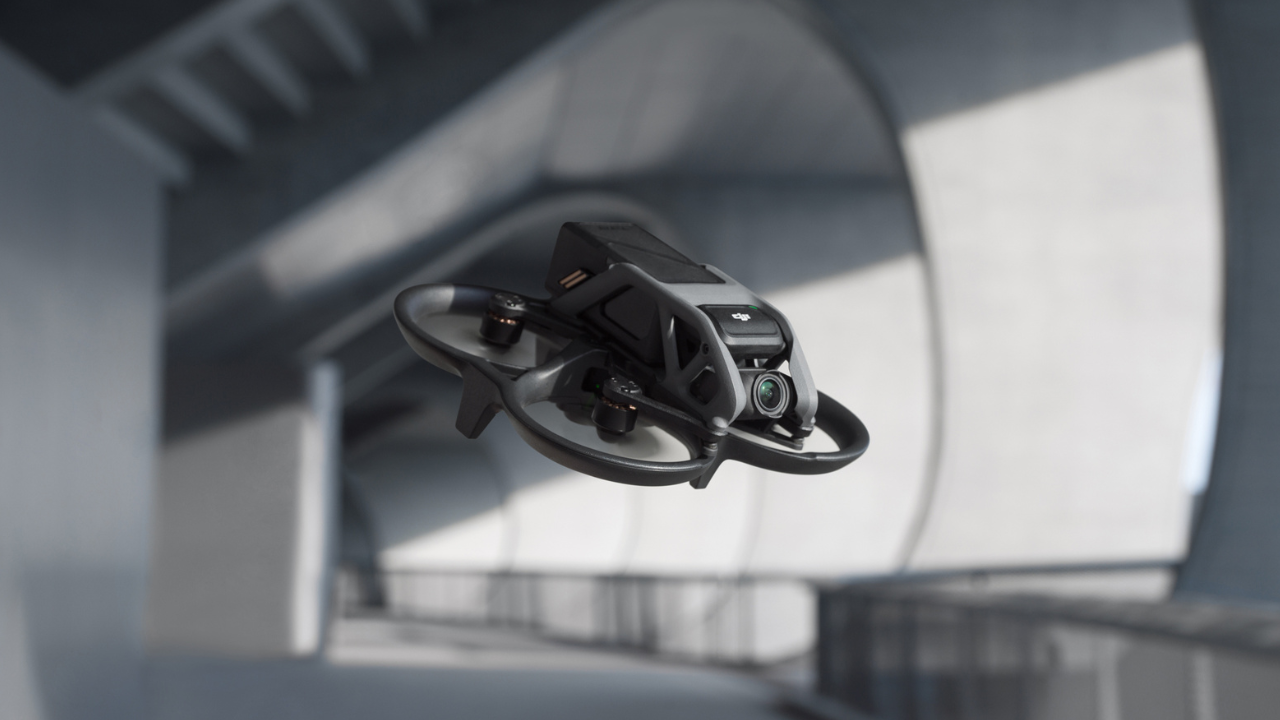
The Avata is a cinewhoop FPV drone. That means:
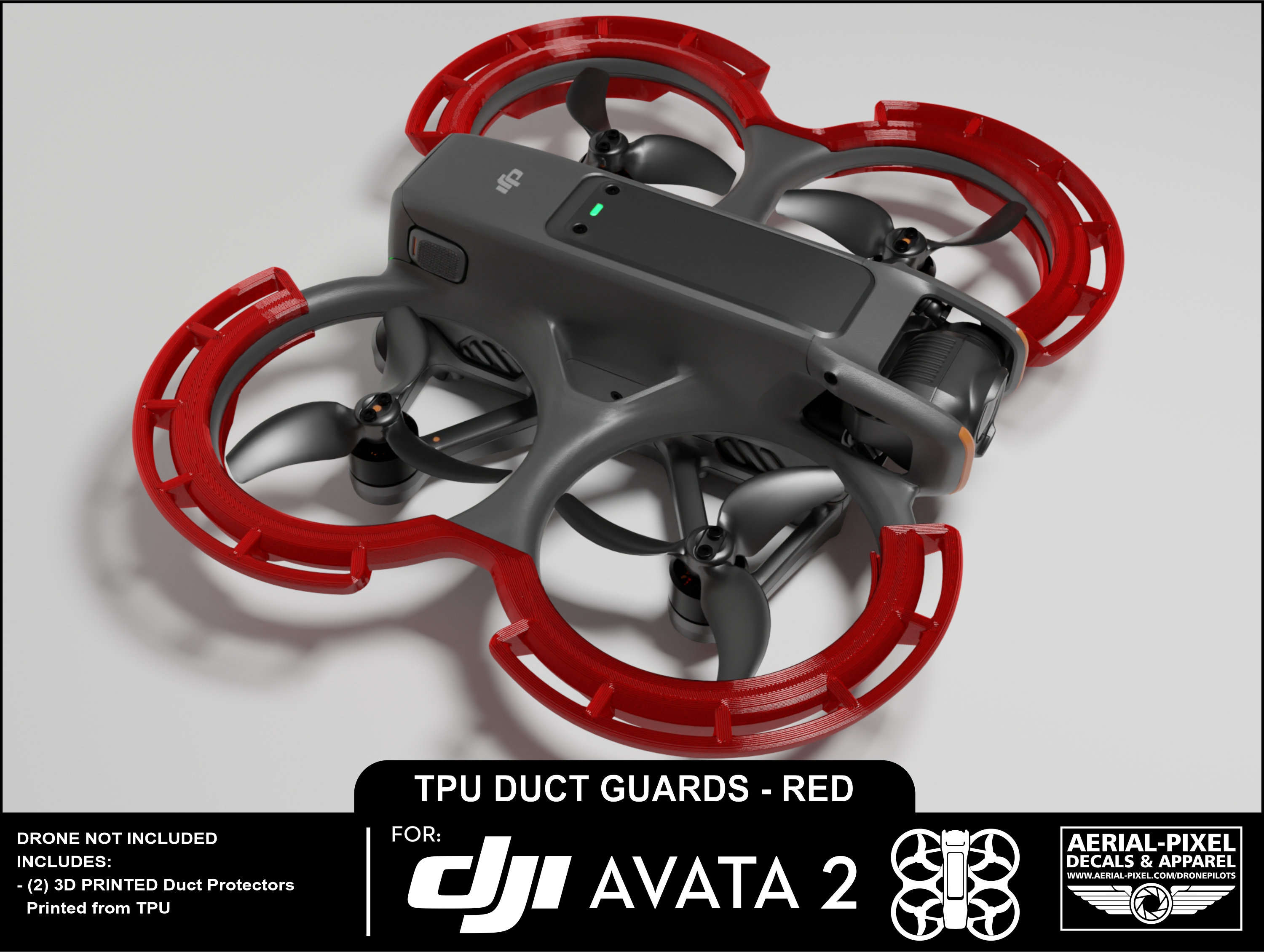
- Ducted propellers (those guards aren’t decoration — they change flight physics)
- Tight-space flying (indoors, trees, urban gaps)
- FPV-first control (you’re “inside” the drone, not watching it)
If you came from something like a Mavic, your brain will fight you for the first few flights. Completely normal.
The #1 Mistake Everyone Makes (And Why It Feels So Hard)
They jump straight into Manual Mode.
Don’t.
Manual mode on Avata is not “sport mode with extra spice.” It’s full acro FPV:
- No self-leveling
- No altitude hold
- No safety net
What happens?
- Overcorrect → oscillation
- Panic → throttle spike
- Crash → frustration
Start in Normal mode. Stay there longer than you think you need.
Then:
- Move to Sport
- Only touch Manual after muscle memory kicks in
If someone told you “Manual is the real experience”… yeah, but not on day one.
What Each Mode Actually Feels Like (Real Talk)
| Mode | What It Does | Who It’s For |
|---|---|---|
| Normal | Stabilized, slow, forgiving | First-time FPV users |
| Sport | Faster, still stabilized | Confident beginners |
| Manual | Fully unlocked, no safety | FPV pilots only |
Most crashes happen in the first 30 seconds of Manual mode.
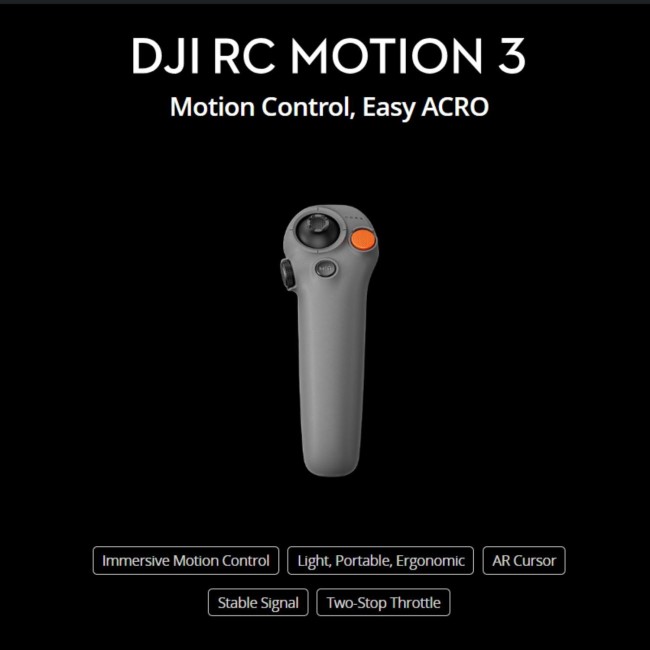
The Controller Confusion (Motion vs FPV Remote 2)


This part trips people up more than anything.
Motion Controller (the “point and go” one)
- Feels like a laser pointer
- Tilt = direction
- Trigger = throttle
Best for:
- Cinematic flying
- Beginners
- Tight indoor shots
FPV Remote Controller 2 (dual sticks)
- Full control like traditional FPV
- Required for Manual mode
Best for:
- Learning real FPV
- Precision control
- Advanced moves
If you’re frustrated early on, it’s usually because:
👉 You picked the wrong controller for your skill level.
Why Your Avata Feels “Wobbly” or “Unstable”
This is where experience matters.
You’re probably not dealing with a defect.
You’re seeing ducted airflow turbulence.
Those prop guards:
- Trap air
- Create pressure zones
- Cause slight bounce, especially near ground or walls
You’ll notice it most when:
- Flying low over surfaces
- Indoors near walls
- Hovering in tight spaces
Fix? Don’t fight it. Fly through it.
Small, smooth inputs. No jerky corrections.
The Camera Is Good… But People Use It Wrong
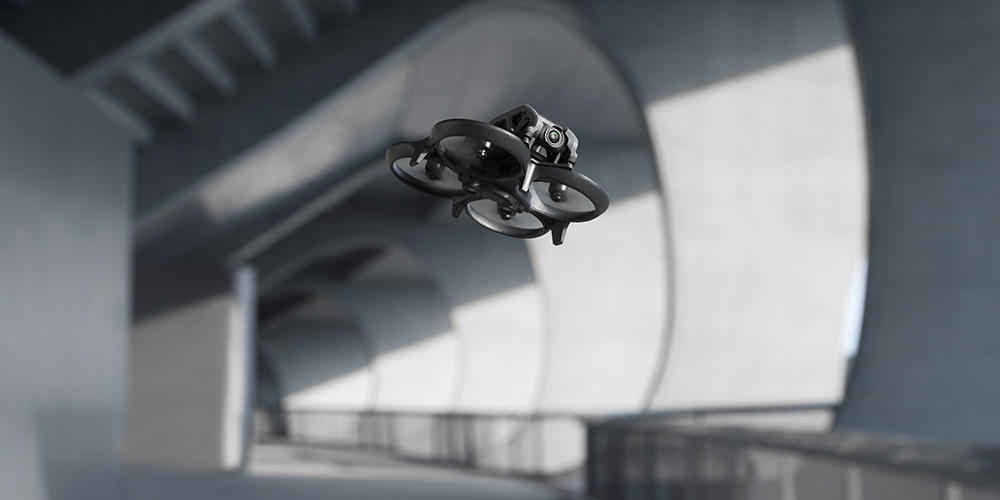
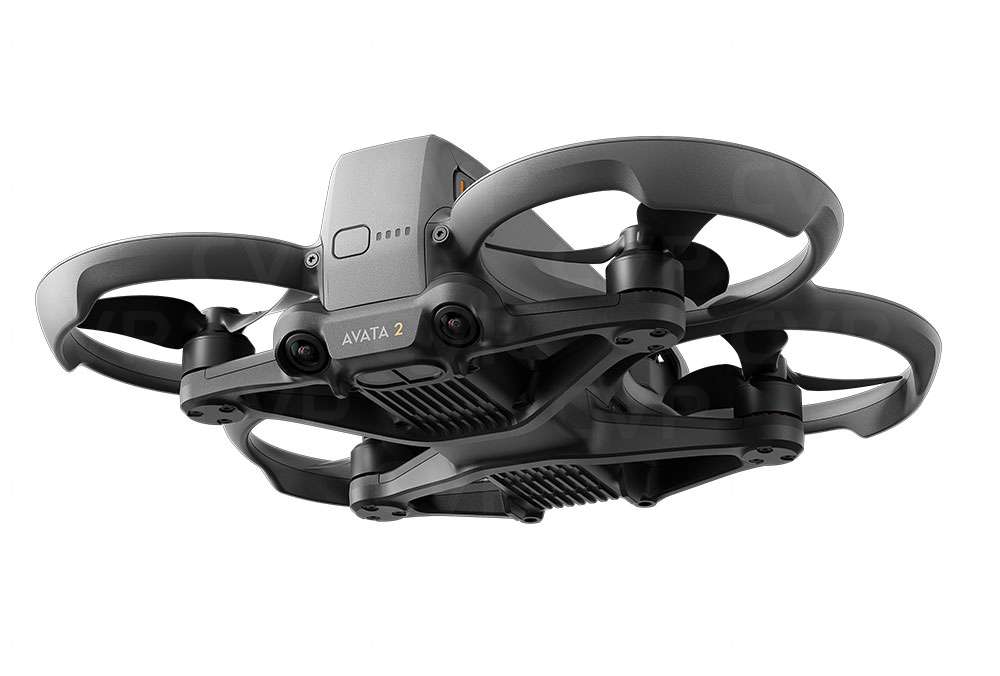

You’ll hear “4K stabilized FPV camera” and expect GoPro-level output.
That’s not the point.
What Avata does well:
- Smooth stabilized FPV footage
- Tight indoor cinematic shots
- One-take flowing sequences
Where people mess up:
- Shooting midday without ND filters → choppy footage
- Using auto settings → blown highlights
- Expecting low-light magic → noise kicks in fast
Simple fix that changes everything:
Lock shutter speed using ND filters.
Rule:
- 30fps → shutter ~1/60
- 60fps → shutter ~1/120
Without this, footage looks jittery no matter how smooth you fly.
Battery Life Reality Check (Not What You Expect)
DJI says ~18 minutes.
Real world?
- 10–14 minutes depending on style
Why?
- FPV = constant throttle changes
- Ducted design = less efficiency
- Wind hits harder
If you’re getting 9–10 minutes, that’s normal. Not a problem.
The “It Suddenly Dropped” Problem
This one scares people.
You’re flying. Everything fine. Then:
👉 sudden drop or dip
Most common causes:
- Low battery voltage under load
- Aggressive throttle punch + tilt
- Wind + ducts = lift loss momentarily
Fix:
- Don’t mix full throttle + sharp tilt aggressively
- Keep battery above ~25% if pushing hard
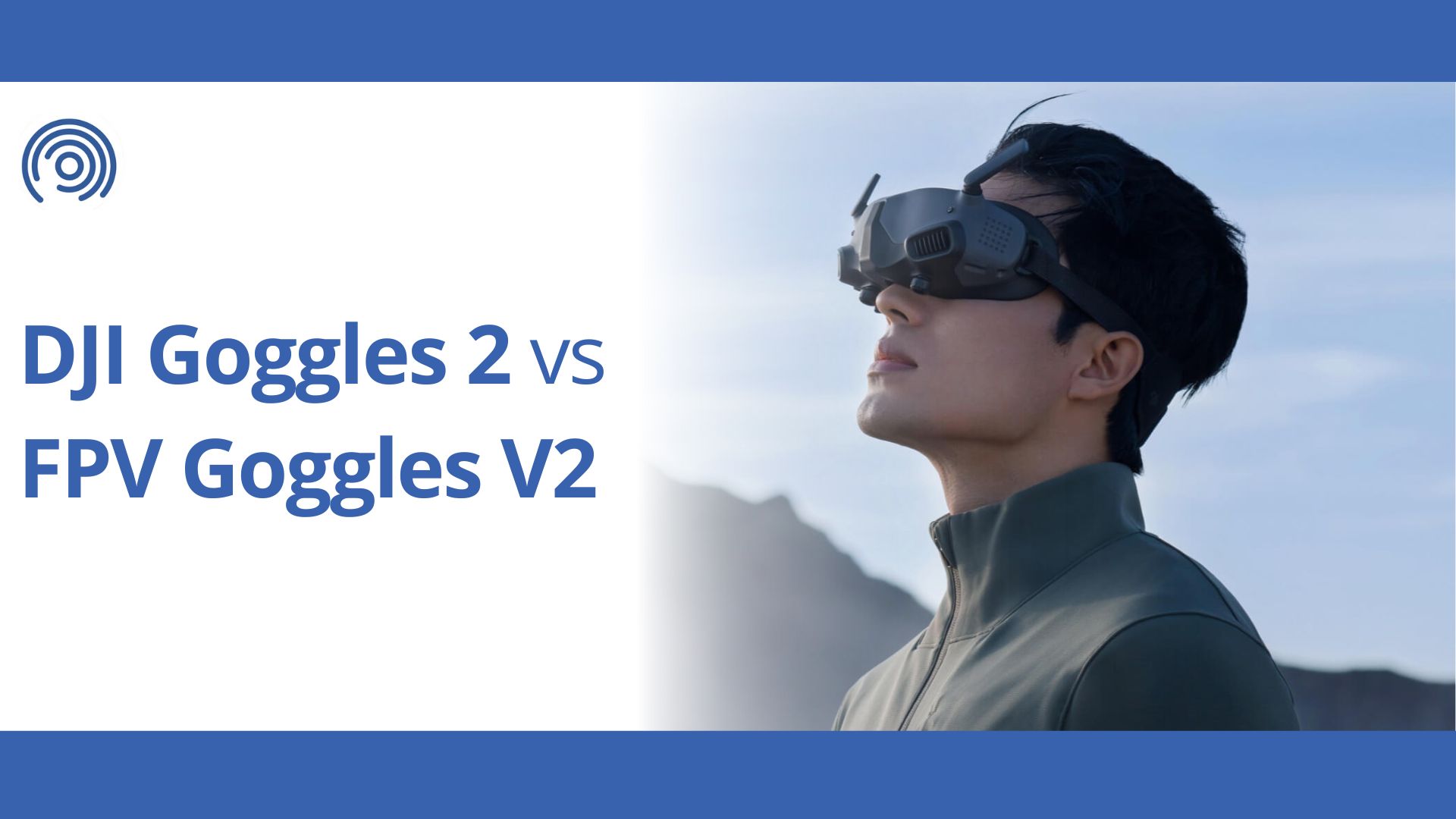
Goggles Feel Weird? That’s Normal Too
4
First time using FPV goggles?
You might feel:
- Slight dizziness
- Disorientation
- Depth confusion
That’s your brain adjusting.
Do this:
- Start with short flights (3–5 minutes)
- Sit down first few sessions
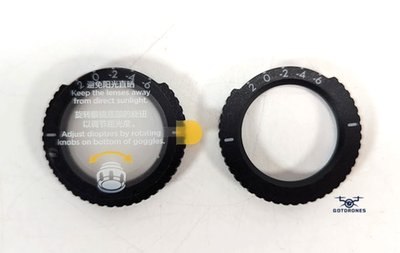
- Adjust diopters properly (this matters more than you think)
If the image isn’t sharp, your flying will be worse. Period.
Crashing… And Why Avata Survives More Than It Should
Here’s the good news.
This thing is tough.
Those ducts:
- Protect props
- Absorb impacts
- Let you bounce off walls and keep flying
But don’t get cocky.
Weak points:
- Camera gimbal
- Frame edges after repeated hits
- Propellers (they bend slightly over time)
After any decent crash, check props. Always.
Even a tiny bend = vibration = bad footage.
Quick Pre-Flight Checklist (This Saves Headaches)
Before every flight, run this mentally:
- Battery fully locked in
- Props clean, no bends
- Goggles signal strong
- Home point updated (GPS lock)
- SD card inserted (yes, people forget this constantly)
Takes 20 seconds. Saves hours of regret.
Indoor vs Outdoor Flying (Big Difference)
| Situation | What Changes |
|---|---|
| Indoor | No GPS, more drift, tight control needed |
| Outdoor | GPS stabilizes, wind becomes a factor |
Indoors = control skill
Outdoors = environment awareness
Treat them differently.
The One Thing I Wish Everyone Knew From Day One
Stop trying to fly perfectly.
FPV is about flow, not precision.
New pilots:
- Overcorrect
- Fight the drone
- Try to “fix” every tiny movement
Experienced pilots:
- Let the drone move naturally
- Guide, not control
- Think ahead, not react
That shift? That’s when it clicks.
Still Struggling? Check These Fast
If something feels off, run through this:
- Drift? → Compass / IMU calibration
- Jittery video? → ND filters + shutter
- Weak signal? → Antenna orientation
- Random drops? → Battery + aggressive inputs
- Hard to control? → Wrong mode or controller
One of these is usually the culprit.
Final Word From Someone Who’s Seen It All
Nobody picks up FPV instantly.
Everyone crashes. Everyone feels lost early on.
The difference?
They stick with it long enough for it to “click.”
And when it does…
You’re not flying a drone anymore.
You’re moving through space.
That’s what the DJI Avata FPV Drone is built for.
Keep flying.