Yeah… this trips almost everyone the first time.
You buy goggles. You’ve got a drone. You expect them to just connect like Bluetooth headphones.
Then nothing works.
Black screen. “No signal.” Or worse — it kinda works but looks like static TV from the 90s.
You didn’t mess up. The system just doesn’t work the way you think it does.
Let me walk you through what’s actually going on.
The #1 Reason This Fails (And How To Check It Fast)
Here’s the truth most people don’t get:
FPV goggles don’t connect to drones — they connect to video signals.
That’s it. No pairing magic. No universal compatibility.
Your drone sends video using a specific system.
Your goggles must understand that exact system.
If they don’t match → you get nothing.
Quick mental check:
- Drone = “language sender”
- Goggles = “language receiver”
- If they speak different languages → silence
The 3 Systems That Decide Everything
This is the part that actually matters. Not brand. Not price.
Video system = compatibility.
1. Analog (Old school but everywhere)
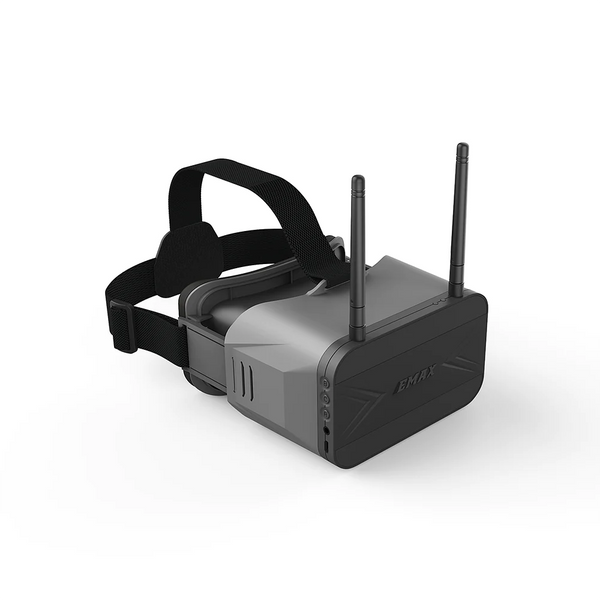
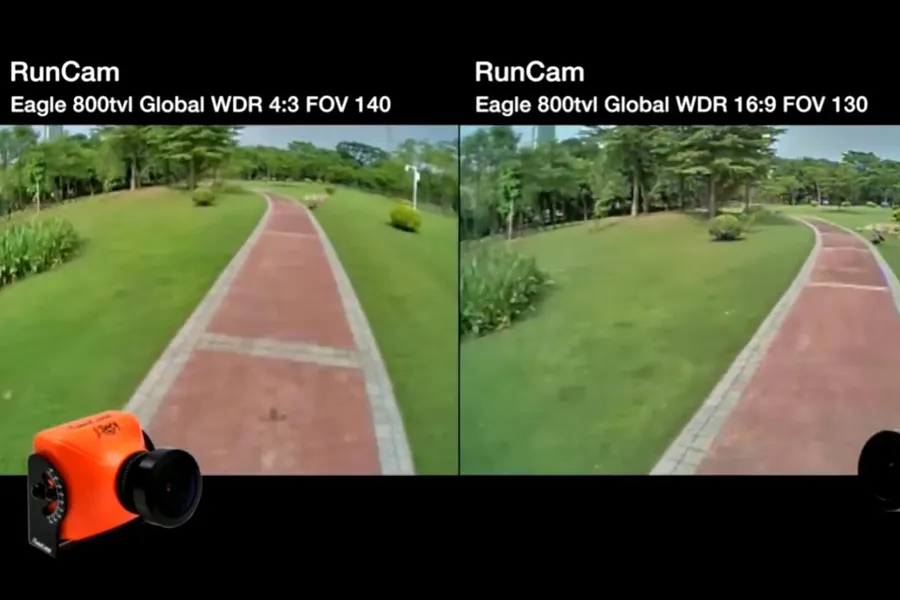

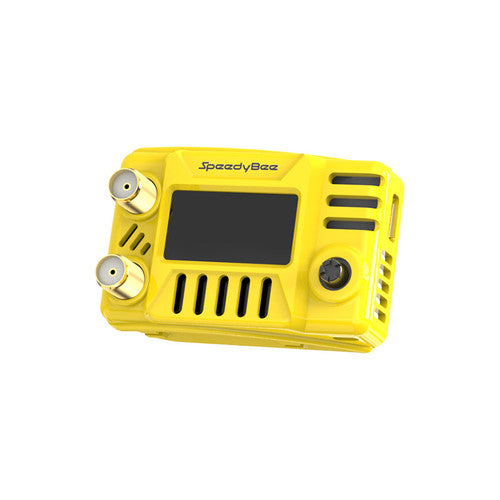
- Uses 5.8GHz analog signal
- Looks a bit grainy / static
- Cheap and very common
Works with:
- Any goggles that have an analog receiver
This is the most forgiving system.
2. Digital – DJI System

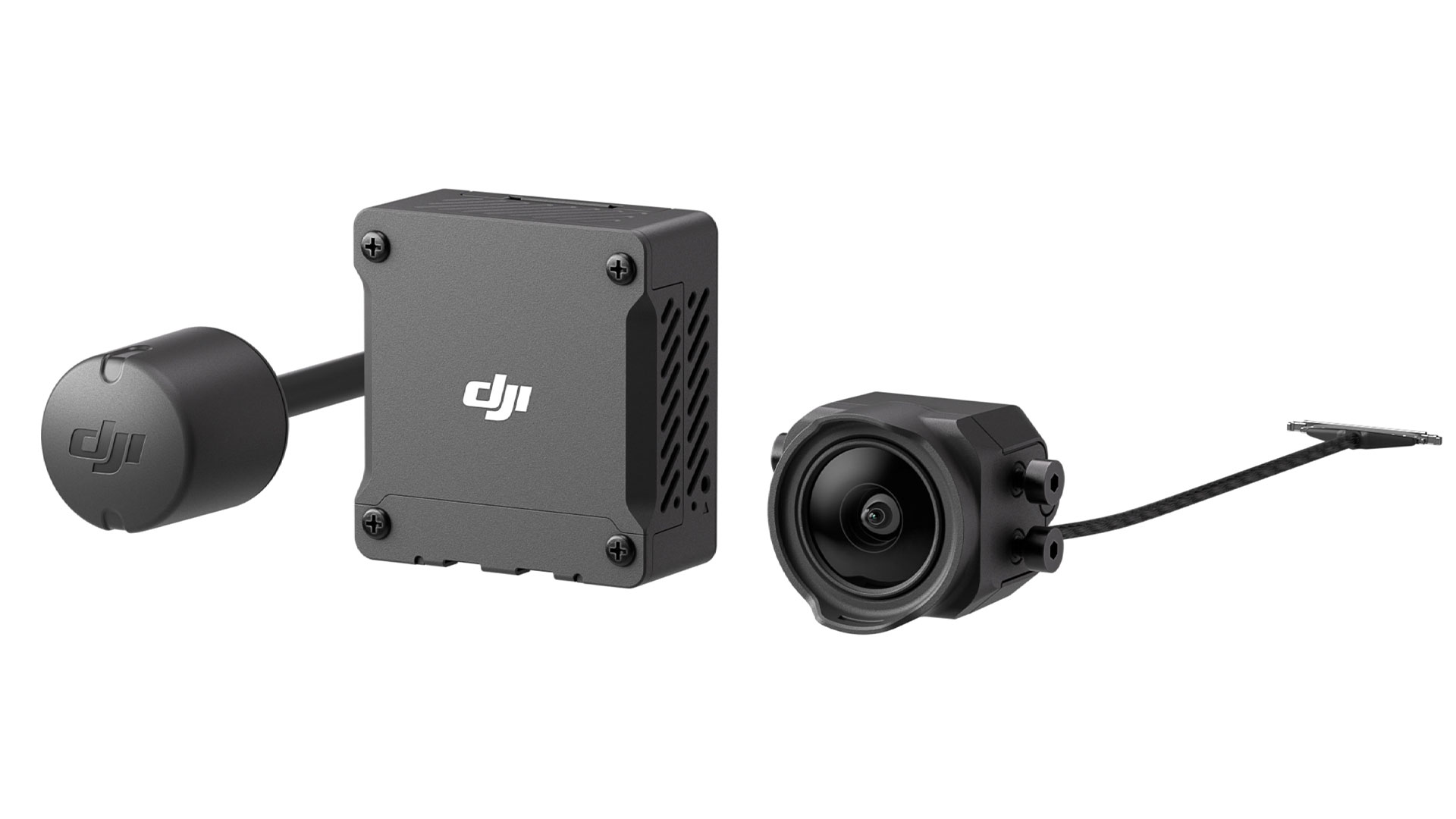


- Clean HD video
- Low latency (newer systems)
- Closed ecosystem
Works with:
- DJI goggles + DJI air units only
No mixing. No “almost works.”
3. Digital – Walksnail / HDZero
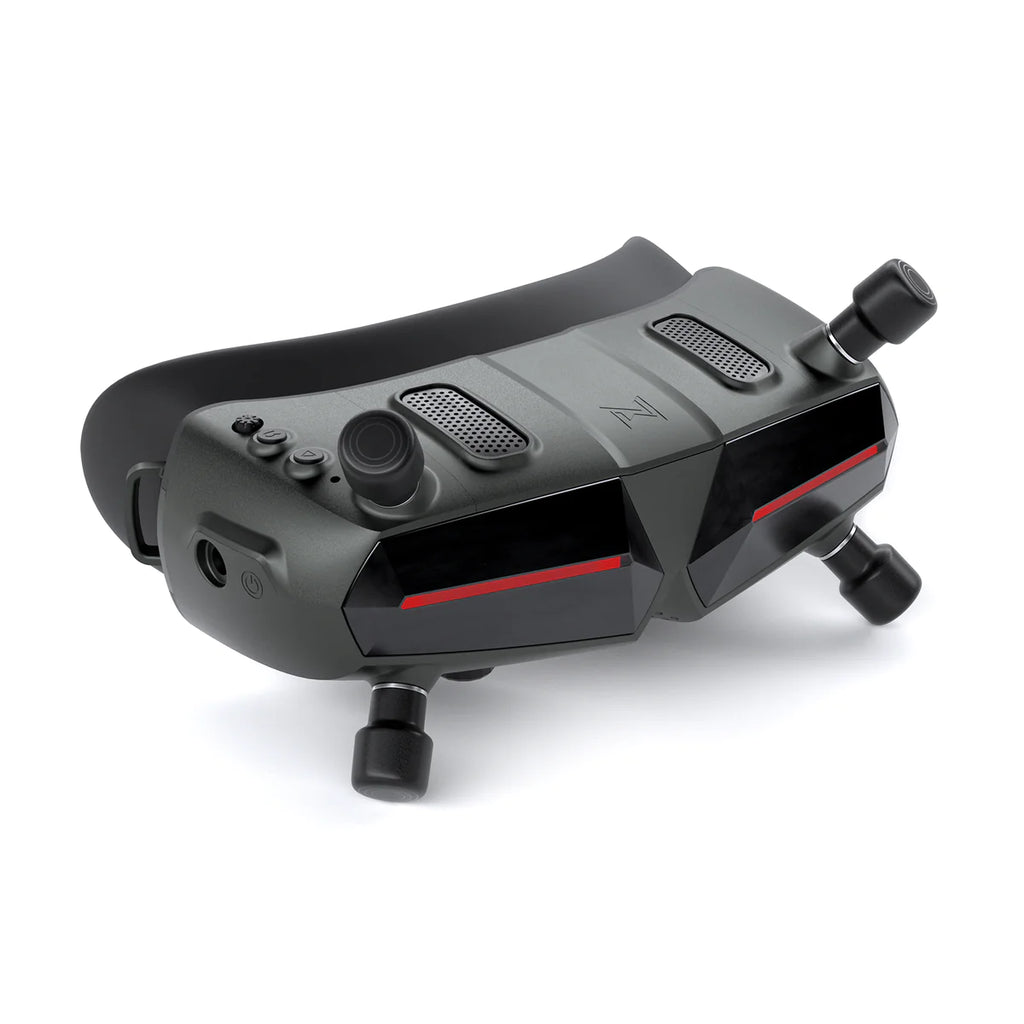
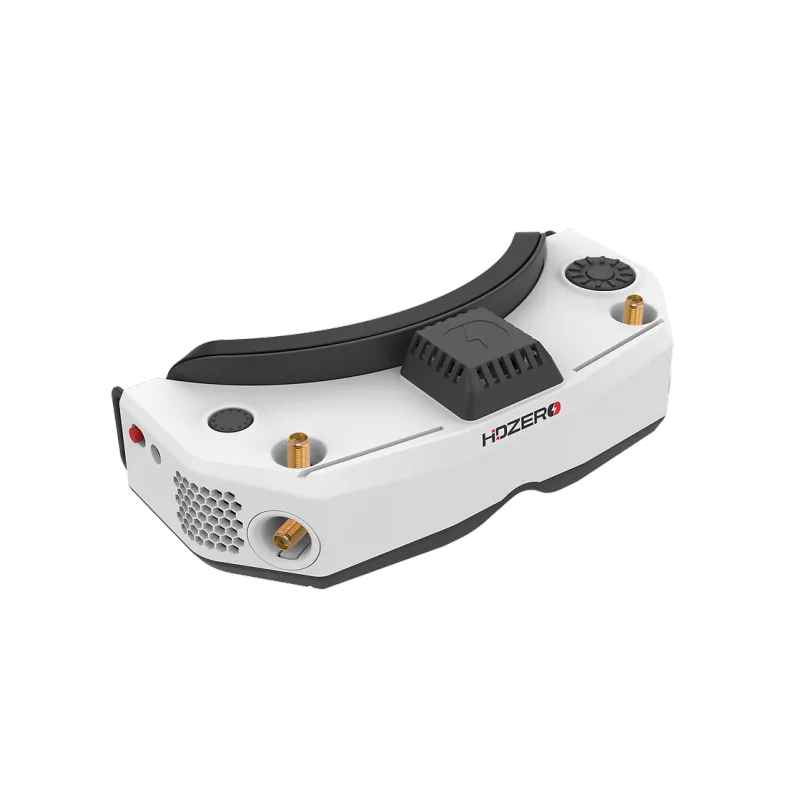
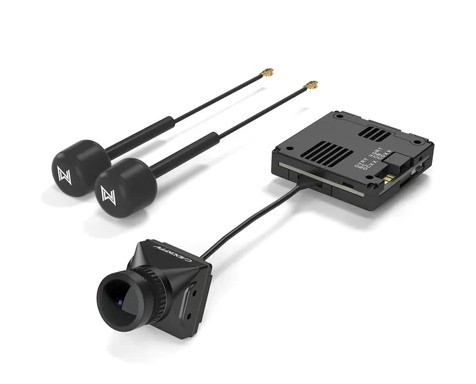

- Competing digital systems
- Each has its own protocol
Important:
Walksnail ≠ HDZero ≠ DJI
Even though all are “digital,” they don’t talk to each other.
Quick Compatibility Table (So You Don’t Guess)
| Drone Video System | Your Goggles Must Be |
|---|---|
| Analog | Analog goggles OR digital goggles with analog module |
| DJI Digital | DJI-compatible goggles |
| Walksnail | Walksnail goggles |
| HDZero | HDZero goggles |
Miss this match = no video. Every time.
The Mistake I See Beginners Make Over and Over
They assume this works like WiFi or Bluetooth.
So they buy:
- Random FPV goggles
- Random drone (like a toy or camera drone)
Then try to connect them.
Problem is…
Most camera drones (like DJI Mini 3 or DJI Air 3) are NOT FPV systems.
They use their own app + controller + transmission system.
Your FPV goggles won’t understand that signal.
Different world entirely.
“But My Drone Has a Camera… Why Doesn’t It Work?”
Good question. This is where people get frustrated.
Two types of drones:
Camera Drones (Consumer)
- Use apps (phone screen)
- Smart stabilized footage
- Encrypted transmission
FPV Drones
- Raw video feed
- Designed for goggles
- Real-time control
They look similar. They are not compatible.
The One Trick That Sometimes Saves You
There is one workaround people overlook.
External video receiver modules.
Some goggles (especially older analog ones) can:
- Add a module
- Accept different signals
Example:
- Digital goggles + analog module → can handle analog drones
But…
This does NOT work across digital systems.
No module will make DJI goggles work with Walksnail.
No hack. No adapter. Forget it.
Fix It In 30 Seconds: What You Should Do Right Now
Don’t guess. Check this:
- Look up your drone → what video system?
- Look up your goggles → what do they support?
Match them.
If you don’t know:
- Check product page
- Or tell me the exact model — I’ll tell you instantly
The Weird Edge Case (That Confuses Even Experienced Pilots)
Some drones are sold as:
- “FPV ready”
- “HD compatible”
That usually means:
They don’t include a video system yet.
You still need to install:
- Air unit (DJI / Walksnail / HDZero)
- Camera + VTX (for analog)
People skip this and wonder why goggles show nothing.
When It Does Work Seamlessly
When everything matches, it’s actually boring:
- Power on drone
- Power on goggles
- Instant video feed
No pairing dance. No menus.
That’s how you know it’s set up right.
The One Thing I Wish Everyone Knew From Day One
Stop thinking:
“Can these goggles work with any drone?”
Start thinking:
“Does my drone and goggles use the same video system?”
That single question saves hours of frustration and wasted money.
Still Stuck? Check These Fast
If things should work but don’t:
- Wrong channel (analog issue)
- Antenna missing or loose
- Firmware mismatch (DJI systems)
- Region lock / frequency limits
- Dead VTX (happens more than you think)
But 9 out of 10 times?
It’s just incompatible systems.