If you’re here, something already annoyed you. Maybe the account got stuck on verification. Maybe payments won’t connect. Maybe you uploaded a book and nothing happened. Or worse—your account got blocked and you don’t even know why.
Yeah. I’ve seen all of it. Hundreds of times.
Let’s fix your foundation properly so you don’t end up back here again.
What Amazon Kindle Direct Publishing Actually Is (And What It Is NOT)

Most people misunderstand this part first.
KDP is not a “make money online system.”
It’s not passive income magic.
It’s not even really a “business.”
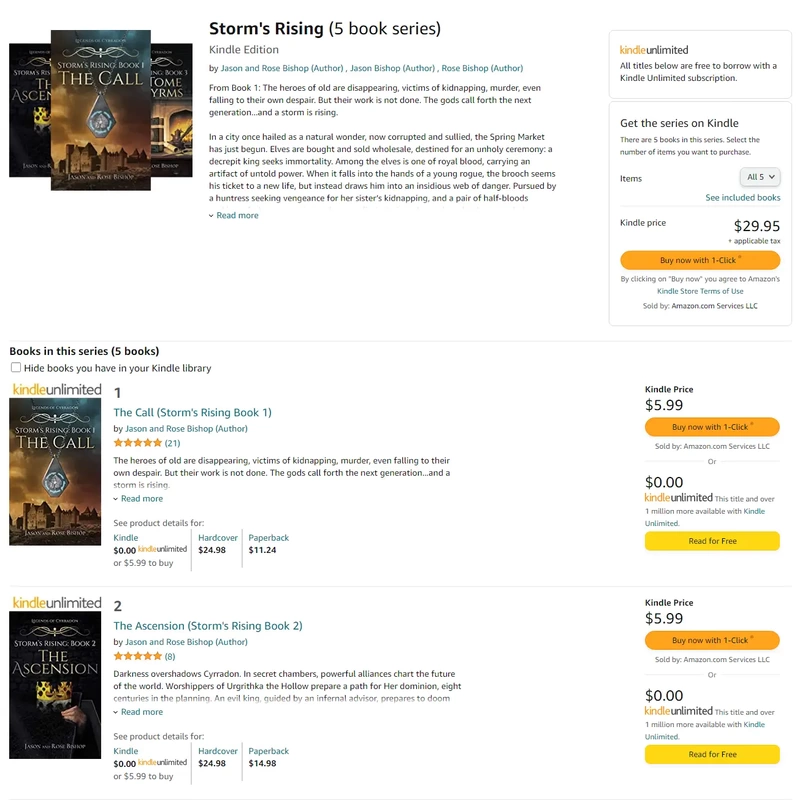
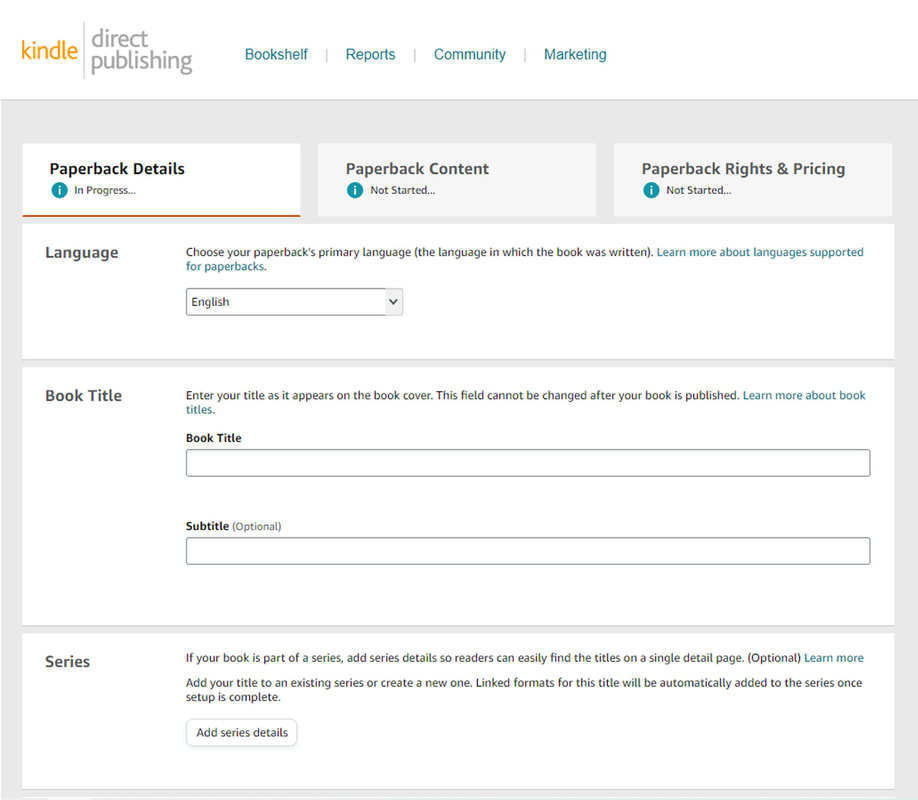
It’s a printing + distribution backend owned by Amazon.
Think of it like this:
- You bring a product (book)
- Amazon prints it (paperback) or hosts it (Kindle)
- Amazon delivers it
- Amazon pays you a cut
That’s it.
If your account setup is weak → everything breaks later.
The #1 Mistake People Make Before Even Creating the Account
They rush.
They open KDP like they’re signing up for Instagram.
Bad move.
KDP is tied to:
- Tax identity
- Payment systems
- Legal ownership
- Content responsibility
You mess this up → account termination = permanent. No second chances.
Before You Even Touch KDP (Do This First)
Don’t skip this. This is where most people silently destroy their account.
Gather these first:
- Government ID (passport preferred)
- Bank account (same name as ID)
- Address that matches your documents
- Phone number that stays active
If you’re outside the US (like Pakistan)
You’ll also need to understand:
- Tax interview (W-8BEN form)
- How to avoid 30% withholding tax
We’ll get to that in a minute.
Creating Your KDP Account (Where Most Things Go Wrong)
Go to the official KDP site and sign in using your Amazon account.
Important part:
👉 Do NOT create multiple accounts. Ever.
Amazon links accounts by:
- IP address
- Device fingerprint
- Browser cookies
- Payment details
You won’t outsmart it.
When Amazon Thinks You Are Someone Else
This happens more than you’d think.
You sign up… and suddenly:
- “Account under review”
- “We need more information”
- “Your account is temporarily blocked”
Why?
Because Amazon detects:
- VPN usage
- Different country vs ID mismatch
- Suspicious login behavior
- Previously banned accounts on same device
Fix:
- Turn OFF VPN
- Use a clean browser (incognito or fresh Chrome profile)
- Match country + ID + bank location
This is the part everyone ignores. Then they panic later.
Filling Out Your KDP Account Details (Don’t Wing This)
Inside KDP, you’ll see 3 critical sections:
1. Author / Publisher Info
- Use your real legal name
- You can still publish under a pen name later
👉 Mismatch here = payment issues later
2. Payment Setup (Where People Mess Up Badly)
- Add your bank account
- Must match your legal name
If names don’t match → payments get stuck or rejected
Supported options:
| Region | Best Option |
|---|---|
| Pakistan | Payoneer or Wise |
| UK | Direct bank |
| US | Direct bank |
3. Tax Interview (The Part Everyone Fears)
You’ll fill out the W-8BEN form.
Relax. It’s not as scary as it looks.
What it does:
- Tells Amazon you’re a non-US person
- Reduces tax withholding
If done right:
- You pay 0% or reduced US tax
If done wrong:
- Amazon takes 30% of your earnings
👉 This is not optional. Fix it properly.
The First Time You Upload a Book (Reality Check)

This is where frustration kicks in.
You upload your book and then:
- Formatting breaks
- Fonts look weird
- Margins are off
- Cover doesn’t fit
And you think KDP is broken.
It’s not.
Your file is.
Why Your Book Keeps Getting Rejected
Most common reasons:
- Wrong trim size
- Bleed settings incorrect
- Low resolution images
- Margins too small
- Fonts not embedded
Quick reality:
👉 KDP is strict because it’s a printing machine, not a design tool
Fix It Fast: The Simple Formatting Rule
Use one of these:
- Microsoft Word (properly formatted)
- Kindle Create (Amazon’s tool)
- Adobe InDesign (if advanced)
Do NOT upload random PDFs from Canva without checking specs.
The Cover Problem (Where 80% Fail)
Your cover must match:
- Exact size
- Spine width
- Bleed margins
If not?
👉 “Cover dimensions invalid”
Fix:
Use KDP Cover Calculator.
No guessing. Ever.
Publishing Settings That Actually Matter
When uploading, you’ll see a lot of options.
Ignore the noise. Focus on these:
Keywords
Not magic SEO tricks.
Just think:
👉 “What would someone type to find this?”
Example:
- “kids coloring book animals”
- “low content journal for women”
Categories
Pick relevant ones.
Not random.
Pricing
Here’s the reality:
- Low price = more sales
- High price = more margin
But:
👉 No sales = no money
The “Why Am I Not Getting Sales?” Moment
Let’s be honest.
KDP doesn’t give you traffic automatically.
You need:
- Demand (people searching)
- A clickable cover
- A useful or attractive product
Most people fail here because:
👉 They upload and wait.
That’s not how it works.
Account Suspension (The Nightmare Scenario)
I’ve seen this destroy people.
Common triggers:
- Duplicate content
- Copyright violations
- Using AI incorrectly
- Multiple accounts
- Misleading metadata
And Amazon won’t argue with you.
Once banned:
👉 You’re done.
The Simple Rule That Keeps You Safe
If you didn’t create it → don’t upload it.
That includes:
- PLR content (be careful)
- AI-generated books (must be edited + original)
- Images from Google (never do this)
When Payments Don’t Arrive
You published. You sold. But money isn’t coming.
Check this:
- Minimum threshold reached?
- Bank verified?
- Tax form approved?
Also:
👉 Amazon pays 60 days later
Not immediately.
The Truth About Making Money on KDP
This part matters.
You can make money.
But not like YouTube says.
It works when:
- You treat it like a product business
- You understand demand
- You iterate based on results
It fails when:
- You upload 10 random books
- You copy trends blindly
- You expect passive income instantly
Still Stuck? Here’s the Nuclear Checklist
If something isn’t working, run through this:
- Account verified?
- Tax form approved?
- Bank details correct?
- Book formatting correct?
- Cover dimensions exact?
- No policy violations?
If all yes → you’re fine.
If not → fix the weak link.
The One Thing I Wish Everyone Knew From Day One
KDP is boring when done right.
And that’s a good thing.
No hacks. No tricks. No shortcuts.
Just:
- Clean setup
- Proper files
- Real products
Do that… and nothing breaks.
Quick Answers to What You’re Probably Wondering
“Can I use a pen name?”
Yes.
👉 But your account must stay real identity
“Can I run multiple niches?”
Yes.
Same account.
“Can I scale this?”
Yes.
But only after:
👉 One book sells consistently
“Can I automate everything?”
No.
You can assist with tools. But:
👉 Garbage in → garbage out
Final Reality (No Sugarcoating)
If your account is set up correctly:
- You won’t struggle with verification
- You won’t panic about payments
- You won’t get random bans
Everything becomes predictable.
That’s the goal.
Not hype. Not shortcuts.
Control.
You set it up right once… and it just works.